


Prime Big Deal Days: Compare Creator Gear Bundles With the Setup You Actually Need
A practical way to judge any Prime Big Deal Days kit: list what you need, sort included items by fit, and total the bundle route against buying separately.
Read moreGuides and stories
A practical way to judge any Prime Big Deal Days kit: list what you need, sort included items by fit, and total the bundle route against buying separately.
Read more18 articles

A close two-person frame may work with one light on your phone. Record a test clip, judge each face, and move the light off the phone if ...
Read more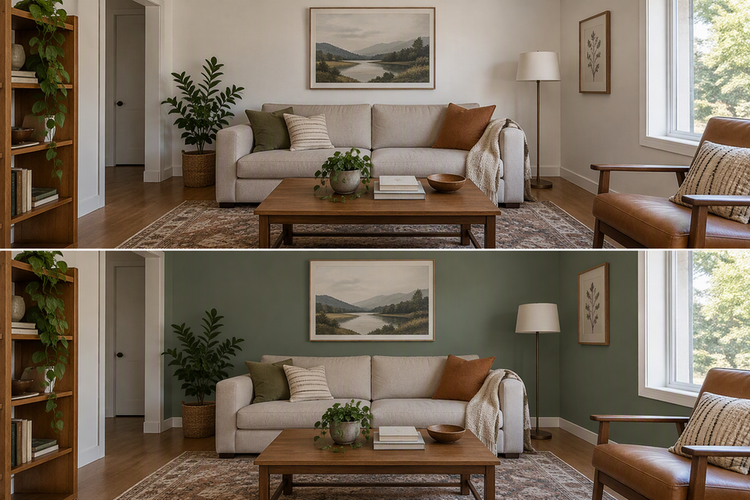
A step-by-step method for matching camera position, framing, and light between two clips, plus how to decide when visible drift calls for...
Read more
A practical guide to picking white fill, RGB accent, or both for talking-head videos, with an example setup and a quick playback check be...
Read more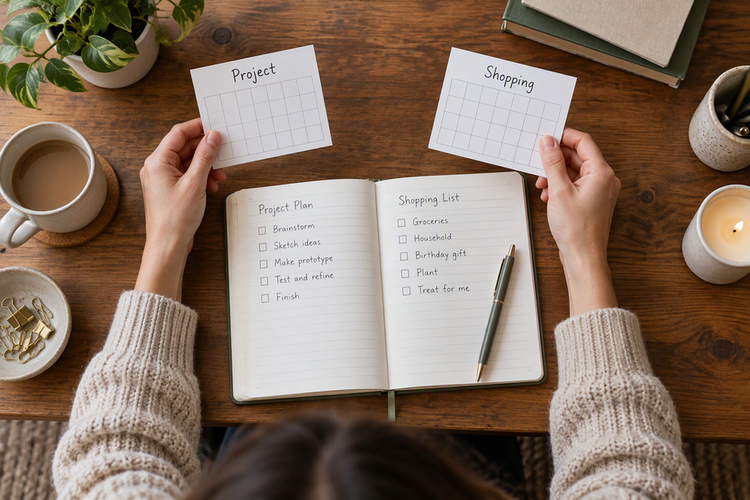
Use a two-part test to decide on camera gear before Black Friday, then save the exact listing, total, and terms so you can recheck the sa...
Read more
A practical guide to placing a desk display or pixel clock for your own glance or your audience, plus a camera-preview check to fix hidde...
Read more
A practical way to decide whether desk info belongs on a separate pixel clock or on your phone, with examples from our TC002 and iPhone S...
Read more
A guide to deciding whether a grip with built-in power earns its place on a long walk, how it stacks up against separate power, and what ...
Read more
A practical guide to building a handheld action camera rig that switches between portrait and landscape while keeping your grip and contr...
Read more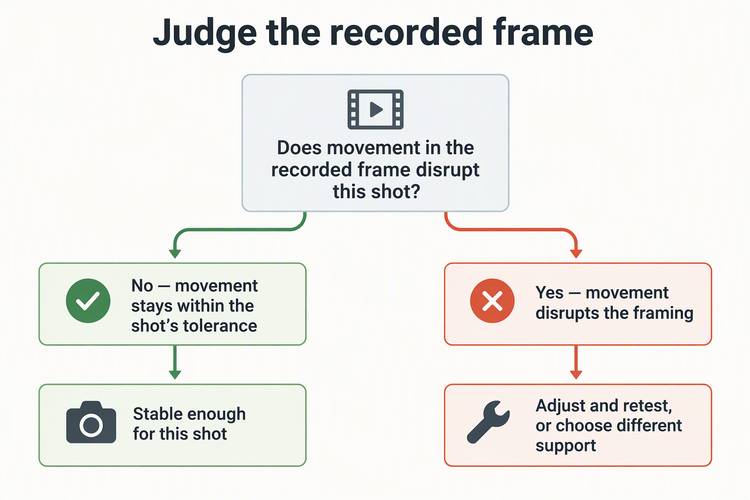
A practical way to check a phone on a selfie stick tripod at the height and spot you plan to film, plus fixes when the sample clip shows ...
Read more
Walking footage needs a setup that passes a moving test; tutorials need a dry run that keeps hands and tools visible. Then match camera f...
Read more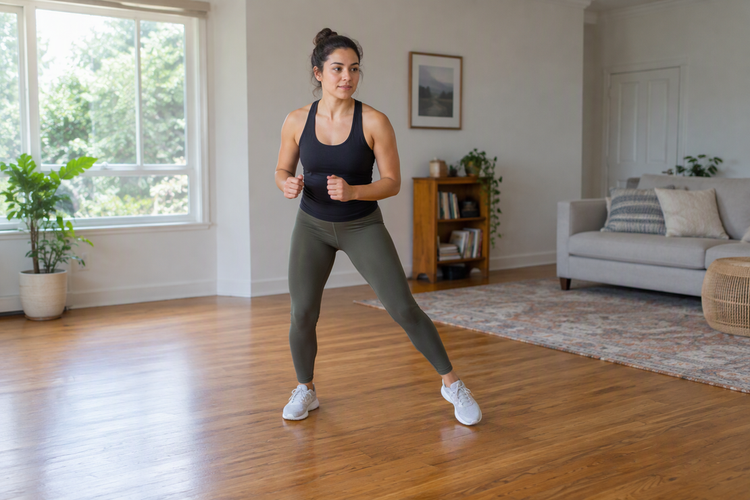
A buyer's guide to judging whether a clip-on phone light fits a full-body shot, from output at distance and frame coverage to mount posit...
Read more
A practical way to choose your first creator purchase during Prime Big Deal Days: track real workflow snags, match the cause, then buy on...
Read more
A keep, add, or skip guide to flash accessories for portraits, covering indoor bounce surfaces, off-camera support outdoors, and gear com...
Read more
A top handle is a starting point for carry-first rigs; a side handle fits lateral grip work. See when repositioning matters and how to ch...
Read more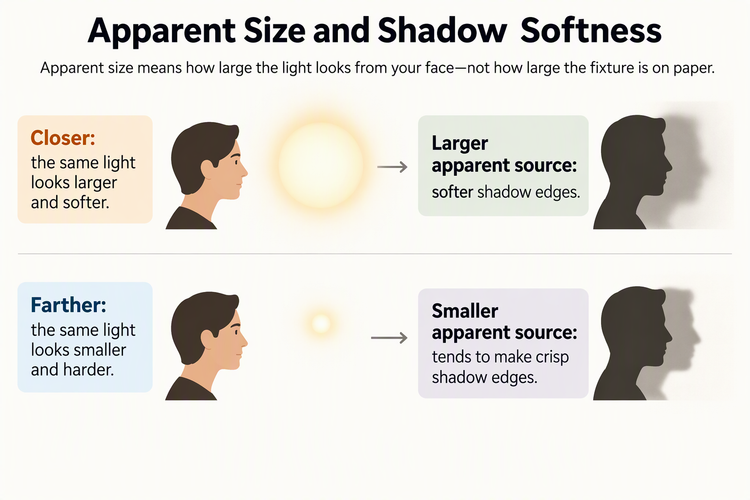
Judge your recorded frame before buying gear: softness depends on apparent source size at your distance, while spill and placement call f...
Read more
A practical guide to judging close-up shadows from a clip-on phone light, separating repositioning from softening and deciding when diffu...
Read more
Learn the two separate reasons a small pocket light can fail as your main video light, how to check each in your actual shot, and how to ...
Read more
Choose between a light that travels with your phone and a separately placed pocket LED, then compare recorded clips of your real product ...
Read more