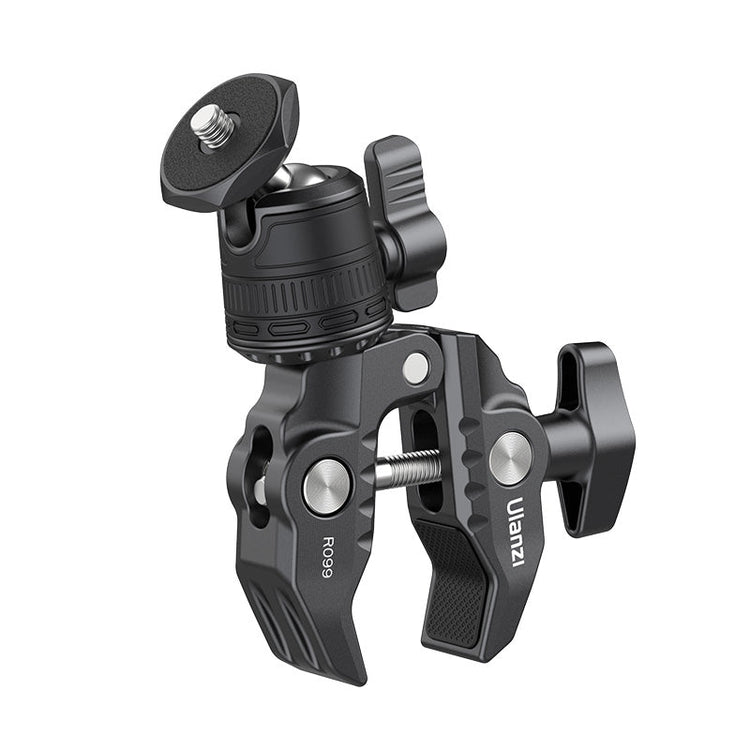
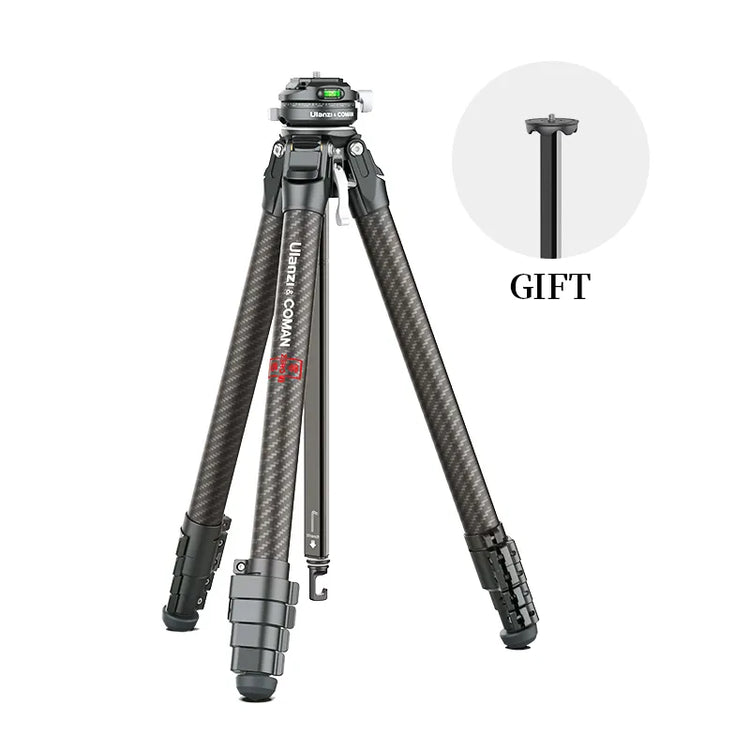
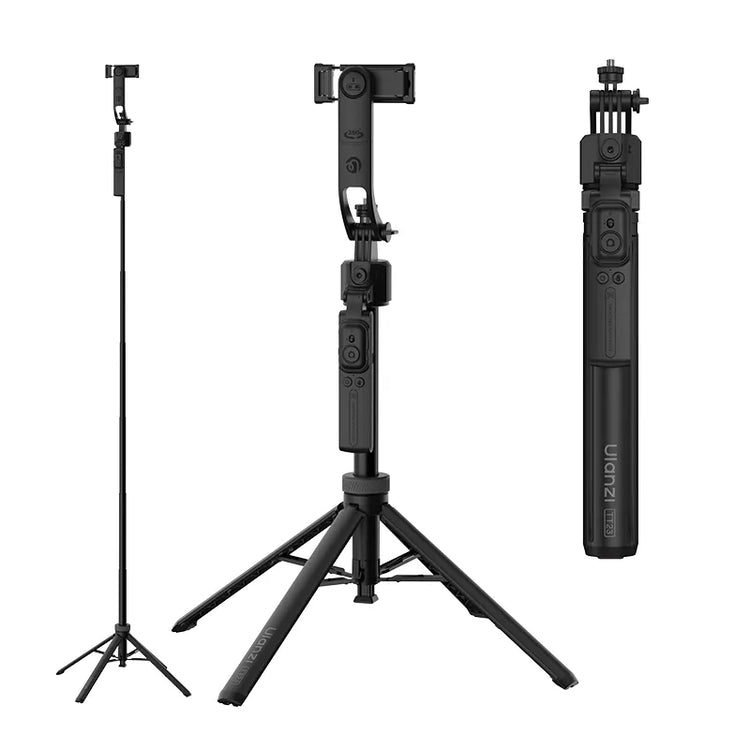
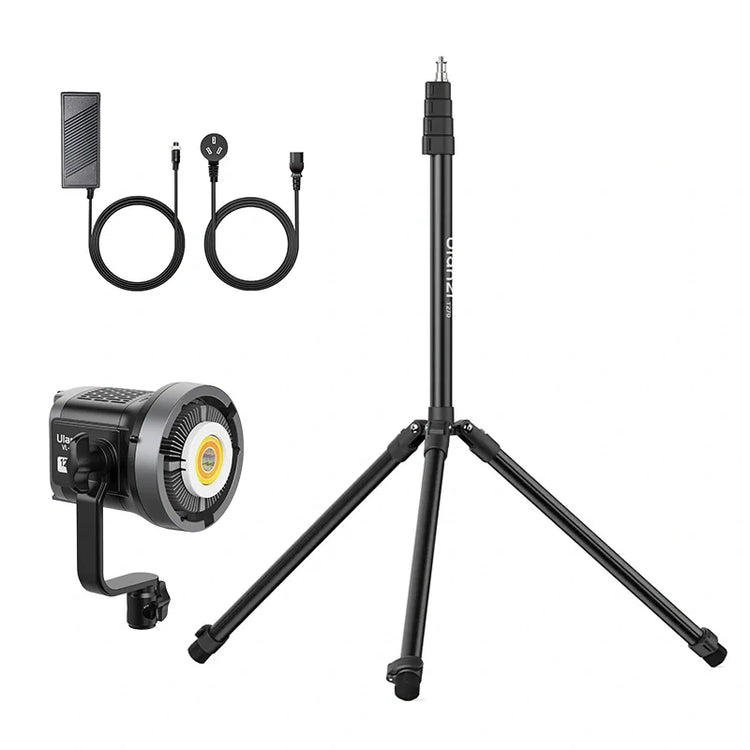
The Hybrid Sales Studio: 2026 Professional Video for B2B Teams
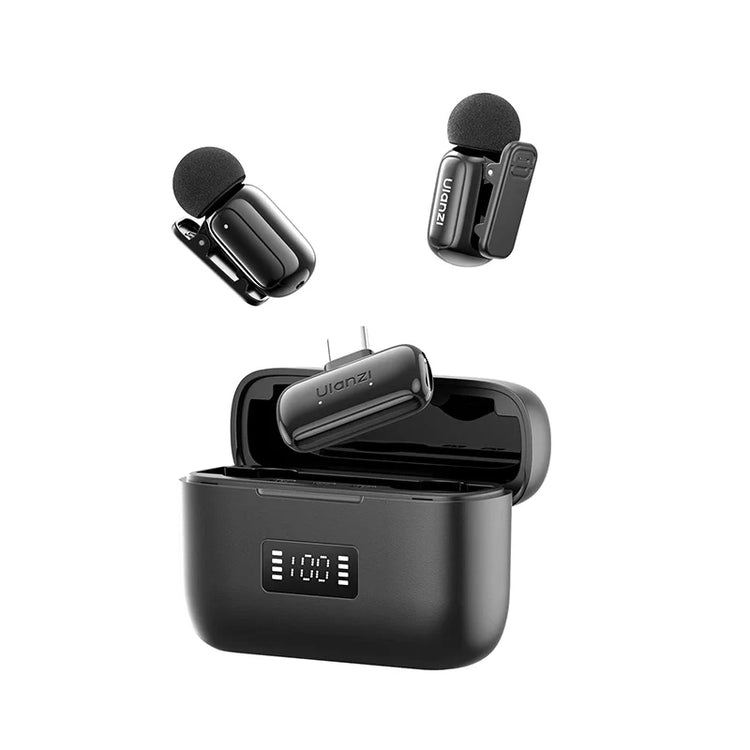
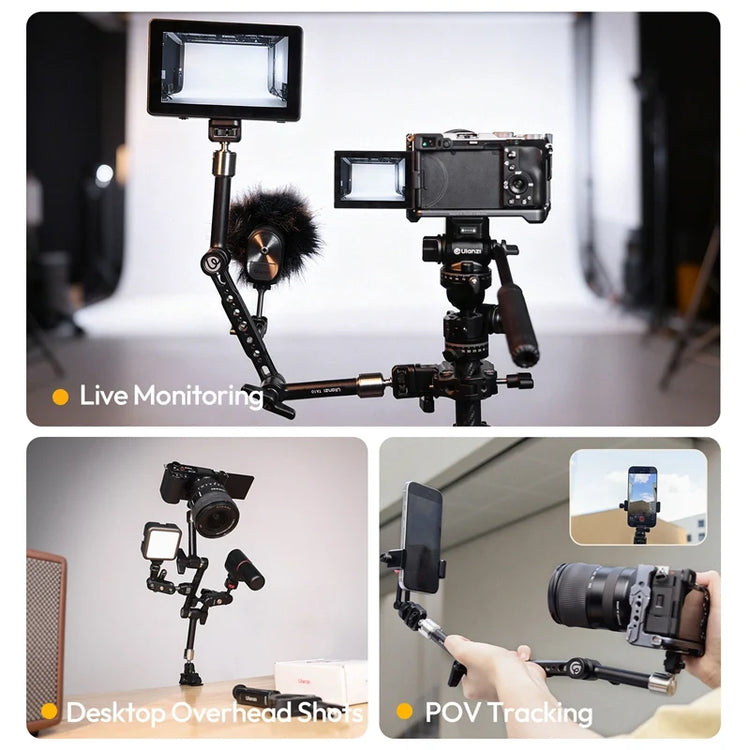
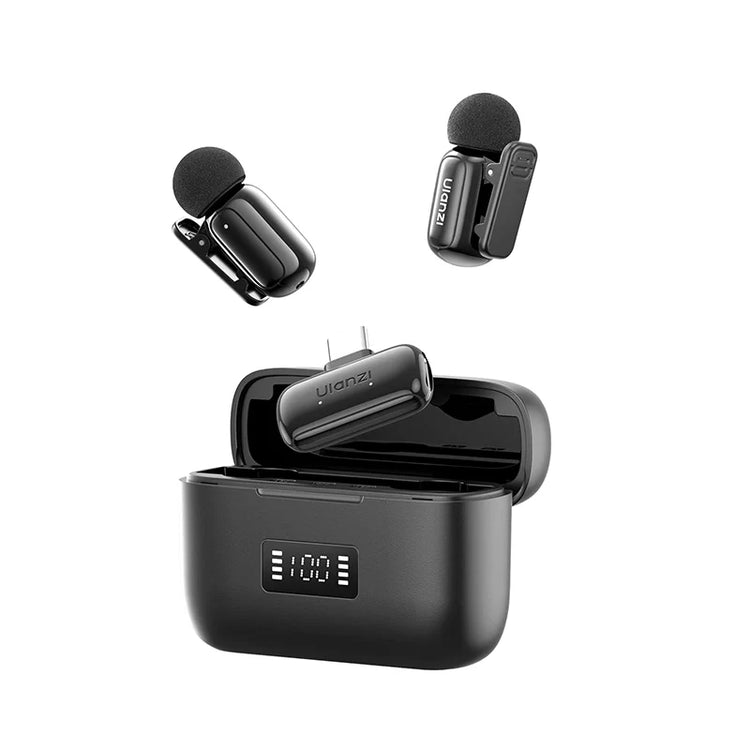
In 2026, more than half of large B2B transactions over $1 million will move through digital self-serve channels. High-quality video has become a primary trust signal that separates credible expertise from generic content. A Hybrid Sales Studio gives non-technical B2B teams a repeatable, standardized environment for LinkedIn leadership posts, remote sales demos, and internal training—without daily technical friction. The 2026 B2B Case for Hybrid Video B2B buyers now complete the majority of their research independently before speaking with sales. This shift makes professional video the default format for building authority at scale. As Forrester notes, more than half of large B2B purchases will route through digital self-serve channels by 2026, which elevates the importance of clear, trustworthy digital interactions. Human expertise remains the strongest differentiator in an AI-saturated market. Video that conveys confidence and clarity helps buyers feel they are engaging with real professionals rather than automated assets. Poor webcam quality or inconsistent framing undermines that trust quickly. Teams that standardize on a dedicated studio see higher engagement on LinkedIn native video, which generates roughly five times more interaction than external links in many tests. The practical outcome is simple: organizations that treat video as a strategic operating standard outperform those that treat it as an occasional add-on. The Hybrid Sales Studio concept reframes the conversation from “which gear should we buy” to “what repeatable system removes variance across our team?” Defining the Hybrid Sales Studio: Modularity vs. Standardization A true Hybrid Sales Studio prioritizes standardization over modularity. Creator setups reward improvisation and frequent reconfiguration. B2B environments reward repeatability so any team member can produce comparable output with minimal training. The system rests on three standardized layers. The mechanical layer uses a common quick-release language—primarily the F38 and F22 ecosystem—so cameras, phones, monitors, and lights attach and detach in seconds without recalibration. The lighting layer follows AVIXA guidelines for small-to-medium corporate rooms, using preset zones that deliver consistent skin tones and facial clarity regardless of time of day or room orientation. The automation layer collapses camera switching, lighting recall, software launch, and recording into a single repeatable action. This “one-plate” philosophy means the same physical mount works across devices and roles. The result is not absolute zero friction—room acoustics and individual confidence still vary—but a dramatic reduction in setup variance that drives higher daily usage. When different employees can step into the same station and achieve similar professional results, the studio becomes corporate infrastructure rather than a personal tool. Scenario Split: Executive Thought Leadership vs. High-Frequency Sales Demos Different roles inside the same organization need different optimization targets. Executives recording LinkedIn thought-leadership or investor updates prioritize presence and authority. Sales representatives running five or more remote demos per day prioritize throughput and speed. Executive Streamer mode centers on eye contact and script fluency. A teleprompter keeps the speaker looking directly into the lens while maintaining natural delivery. This configuration strengthens personal brand signals that matter for leadership content. Sales Demo mode favors rapid plate swaps and one-button scene changes so reps can move between customer calls without losing momentum. Both modes share the same quality floor—consistent lighting, clear audio, stable framing—but the daily workflow emphasis shifts. One-button automation serves both groups. For executives it reduces stage fright by making the technical start invisible. For sales teams it removes the two-to-three-minute setup tax that otherwise kills program adoption. The standardization layer—shared presets, common quick-release plates, and pre-defined lighting zones—lets the same physical room support both use cases on alternating days. The Setup Blueprint: Mechanical, Lighting, and Audio Layers Start with the mechanical foundation. Standardizing on the F38 quick-release video tripod and F22 shoe mounts creates a universal attachment language. A single plate can move between a main camera, smartphone rig, or secondary monitor arm without tools or recalibration. This reduces equipment loss and training time across a multi-user office. Lighting follows AVIXA recommended practices for small-to-medium videoconferencing rooms. Zone-based LED panels such as the C60 and C01 deliver consistent key, fill, and hair light that meets industry criteria for participant picture quality. Preset scenes recalled through automation prevent the common drift where one user sets warm tones and the next uses cool daylight. The result is repeatable skin-tone accuracy that supports brand trust. Audio completes the core trio. Wireless lavalier systems like the A200 eliminate cable management and clothing noise while delivering broadcast-grade clarity. Pair the lav with a teleprompter such as the RT02 so speakers maintain eye contact without reading from a screen off-camera. Eye contact remains one of the strongest nonverbal trust signals in B2B video; the teleprompter makes it practical rather than aspirational. These components work together as a system. The mechanical layer carries the devices, the lighting layer sets visual authority, the audio layer ensures intelligibility, and the teleprompter layer protects the human connection. Selecting products that share the same quick-release and control ecosystem prevents the fragmentation that defeats standardization. Workflow Automation: Collapsing the Setup Sequence Non-technical staff will abandon any studio that takes more than a couple of minutes to activate. Enterprise video is shifting toward one-button automation precisely because repeatable workflows increase frequency of use. The Stream Controller D200 lets teams program a single button that powers lights to preset levels, launches the camera feed, opens the conferencing or recording app, and arms the teleprompter script. This collapses what used to be a five-step sequence—power on, adjust lights, connect audio, launch software, check framing—into one repeatable action. The reduction in cognitive load matters most for sales representatives who need to stay focused on the customer conversation rather than the technology. For leadership teams it removes the barrier that often prevents consistent LinkedIn posting. The practical test is whether a new user can walk into the room, press one button, and begin recording or streaming at the correct quality level. When that test passes, adoption rates rise and brand consistency improves. Scaling the Studio: Multi-User Consistency and Checklists As more employees share the space, variance returns unless deliberate standardization is maintained. Create room presets for common scenarios—executive headshot, product demo, group training—and store them on the automation controller. Use the same quick-release plates across all stations so equipment can be swapped without losing alignment. A simple laminated checklist posted at each station covers the non-automated steps: battery check, script load, background tidy, and post-session reset. These handoff protocols prevent the slow degradation that occurs when one user leaves lights at maximum brightness or cables unplugged. The “one-plate” approach also reduces training time; new hires learn one mount language instead of multiple incompatible systems. The ROI of standardization appears in reduced equipment loss, faster onboarding, and higher overall video output. When every team member can produce comparable quality, the studio becomes a scalable corporate asset rather than a few individuals’ personal rigs. Activating Your Hybrid Sales Studio Strategy Begin with an audit. Record a few sample LinkedIn videos and remote demos using current equipment, then score them against the quality floor your buyers expect. Identify the highest-friction points—lighting inconsistency, audio dropouts, or setup time—and address those first. Pilot an Executive Streamer station with leadership to establish internal proof and LinkedIn momentum. Once the authority layer is working, roll out standardized one-plate stations for the sales team. Focus first on the roles with highest video frequency; the throughput gains compound quickly. Treat the studio as an operating standard, not a one-time purchase. Schedule quarterly reviews of presets, firmware, and checklist adherence. The organizations that maintain consistency across users and rooms will see the strongest returns in buyer confidence and team productivity. Frequently Asked Questions What Is the Main Difference Between a Creator Studio and a Hybrid Sales Studio? Creator studios optimize for flexibility and personal expression, often requiring daily reconfiguration. Hybrid sales studios optimize for repeatability so any employee can achieve consistent professional results with minimal training. The mechanical quick-release system, preset lighting zones, and one-button automation are designed to remove variance rather than encourage experimentation. How Much Space Does a Hybrid Sales Studio Require? Most B2B teams convert a standard 10-by-12-foot office or meeting-room corner successfully. The key is consistent distance to camera and controlled background rather than large square footage. Standardization on quick-release mounts and zone lighting allows the same compact footprint to serve both executive and sales use cases on different days. Which Roles Benefit Most From a Dedicated Teleprompter? Executives recording thought-leadership or quarterly updates benefit most because eye contact strongly signals confidence and authenticity. Sales representatives running high-frequency demos often prefer faster plate swaps over on-camera scripting, although a shared teleprompter can still reduce preparation time for scripted segments. Can Non-Technical Staff Really Operate a One-Button Studio? Yes, when the automation controller is pre-programmed with role-specific scenes. The goal is to reduce the startup sequence to a single button press plus a short checklist. Regular audits and laminated station cards further lower the technical barrier and maintain quality across shifts or locations. How Do Lighting Standards Affect Perceived Professionalism? AVIXA guidelines for small-to-medium rooms define performance criteria for facial illumination, color accuracy, and contrast. Meeting those criteria prevents the greenish or overly contrasty look common in consumer webcams. Consistent lighting across the team reinforces brand authority; random lighting undermines it. What Is the Biggest Barrier to Studio Adoption in B2B Teams? Setup friction and fear of looking unprofessional are the top two. One-button automation and standardized presets directly address the first. Clear examples of successful executive and sales content plus simple checklists address the second. Teams that treat the studio as shared infrastructure rather than individual equipment see faster cultural uptake. How Should We Measure ROI From a Hybrid Sales Studio? Track video output frequency, LinkedIn engagement lift, sales-demo completion rates, and internal feedback on preparation time. The strongest indicator is usually adoption rate: when non-technical staff voluntarily increase their video output, the program is working. Conditional ROI depends on maintaining standardization; inconsistent use dilutes the return.
Read more