



Ulanzi D200X Creative Deck
Nie można załadować gotowości do odbioru
- 1. Kreatywna innowacja: 14 konfigurowalnych klawiszy LCD i 3 dotykowe pokrętła enkodera.
- 2. Minimalizm na biurku: Wielofunkcyjny koncentrator 8-w-1.
- 3. Nieskończone możliwości: Wszechstronna wydajność do edycji wideo 4K, strumieniowania z wielu kamer lub automatyki inteligentnego domu.
- 4. Precyzja dotykowa: Przypisz trzy dotykowe pokrętła do najważniejszych regulacji.
- 5. Integracja z ekosystemem: Bezpośrednie sterowanie oświetleniem Ulanzi, Philips Hue i Nanoleaf, aby jednym dotknięciem zmienić nastrój w pomieszczeniu.
Enjoy 2% OFFEvery Purchase Join for Free,Save for Life


Kreatywny zestaw kart D200X

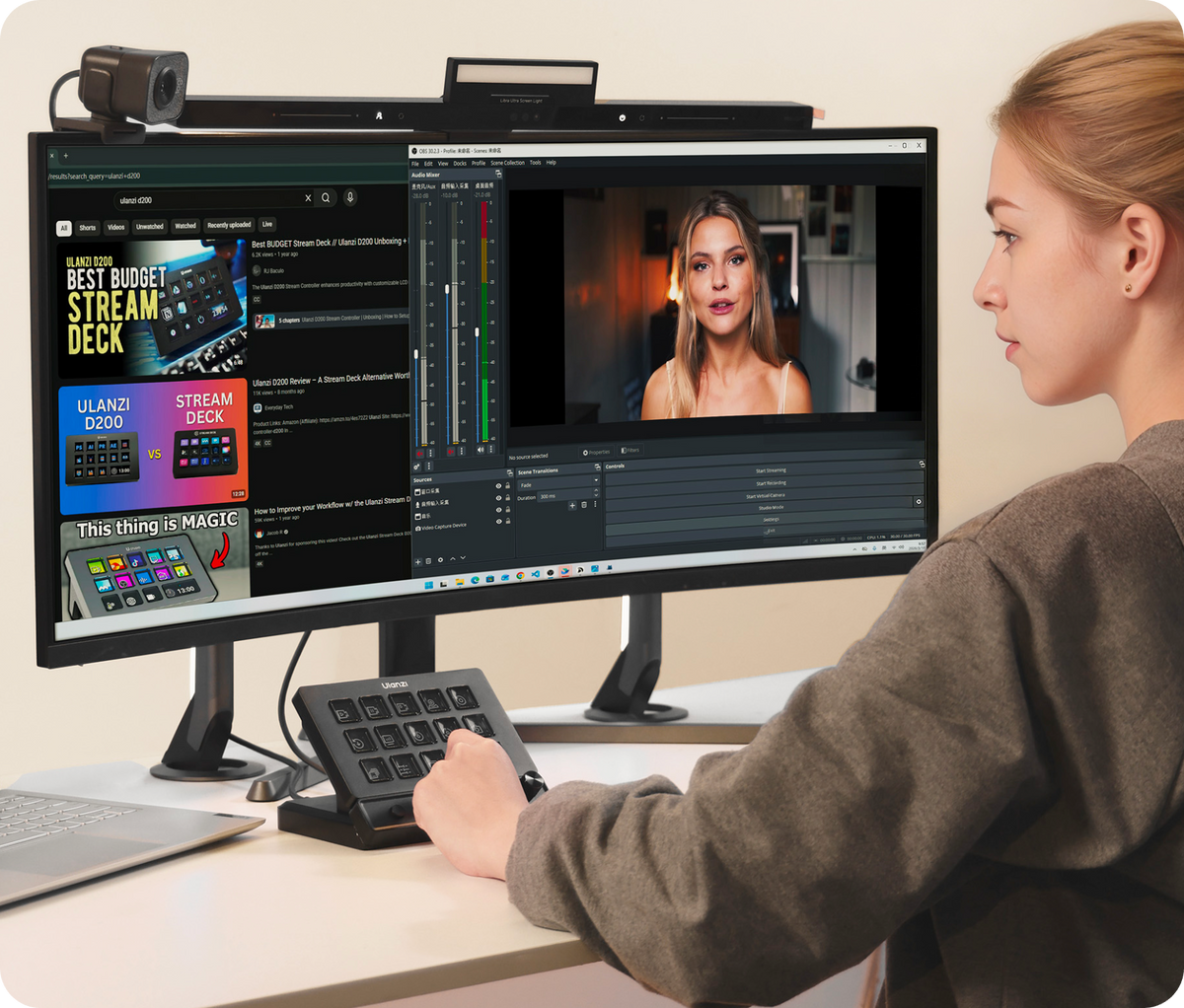
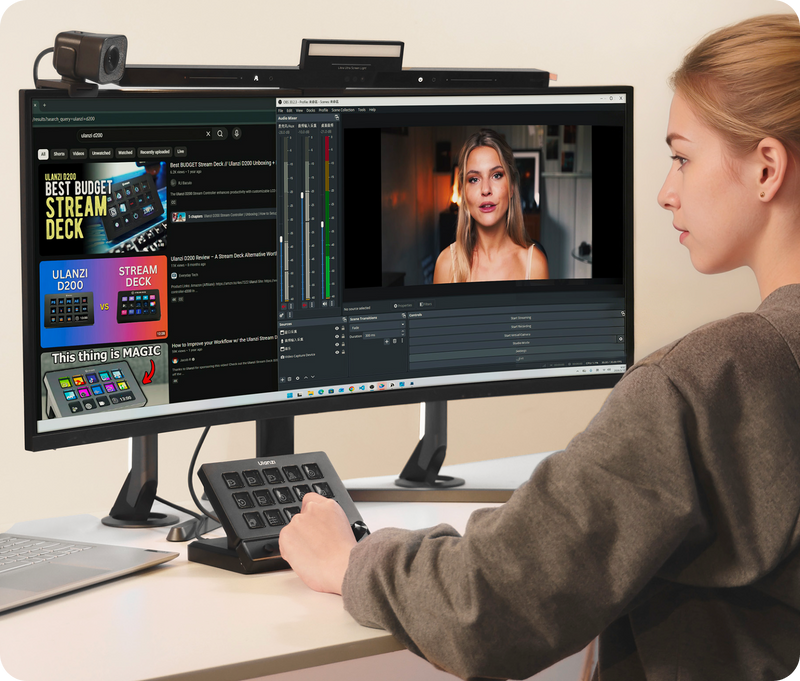
Co mówią twórcy
Ulanzi D200X Creative Deck
Stworzony dla każdego procesu pracy
Niezależnie od tego, czy edytujesz, strumieniujesz, grasz, czy obrabiasz zdjęcia, D200X dostosowuje się do Twoich potrzeb.
Edycja
Przewijaj oś czasu, koryguj kolory i błyskawicznie zmieniaj narzędzia.
Transmisja strumieniowa
Gry
Uruchamiaj makra, dostosowuj głośność gry i rozmawiaj bez minimalizowania gry.
Edycja zdjęć
Asystent inteligentnego domu
Przełączaj sceny za pomocą klawiszy LCD, precyzyjnie dostosuj jasność, temperaturę barwową i efekty świetlne za pomocą precyzyjnych pokręteł.
Two tools. Two workflows.
Which Controller Is Right for You?
Choose D200X for a fixed, multi-app command center with one-cable desk connectivity. Choose D100H for wireless, one-hand precision when scrubbing, grading, mixing, or adjusting lights. They solve different parts of a creative workflow.
| Comparison criteria |
 Ulanzi D200X
Desk command center
Ulanzi D200X
Desk command center
|
 Ulanzi D100H
Wireless precision dial
Ulanzi D100H
Wireless precision dial
|
|---|---|---|
| Best for | Creators running a fixed workstation across editing, streaming, productivity, and studio lighting. | Editors, colorists, and audio creators who want tactile, one-hand parameter control at any desk. |
| Primary workflow | Launch apps, trigger macros, switch scenes, control lights, and connect a monitor, storage, and power through one hub. | Scrub timelines, grade color, adjust audio or lighting, and move between computers without cable clutter. |
| Systems | Windows 10 or later; macOS Monterey 12.0 or later. | Windows 10 or later; macOS 11 or later recommended; Bluetooth 5.0 required for wireless control. |
| Supported software | Ulanzi Studio and shortcut-based apps including Premiere Pro, DaVinci Resolve, Final Cut Pro, Photoshop, Lightroom, OBS, and Logic Pro; plus supported smart-light integrations. | Ulanzi Studio and shortcut-based editing, photo, and audio apps including Premiere Pro, DaVinci Resolve, Lightroom, Photoshop, and DAWs; plus supported smart-light integrations. |
| Controls | 14 customizable LCD keys, 3 pressable rotary encoders, and 2 customizable buttons. | 1 large stepless haptic dial and 3 customizable top buttons. |
| Ports | 8-in-1 hub: HDMI up to 4K/60Hz, SD, microSD/TF, 3.5mm audio, USB-A, 2 USB-C data/host ports, and USB-C PD input up to 100W. | USB-C charging only. No data hub, display output, or card reader. |
| Wireless | Wired USB-C host connection; designed to stay at the workstation. | Bluetooth 5.0, at least 10m range, and pairing for up to 3 computers. Up to 60 days standby. |
| Desk footprint | 153 × 113.5 × 98mm; approx. 480g. Replaces several adapters at a fixed setup. | 96.5 × 84 × 35.5mm; approx. 265g. Compact enough to reposition or carry between setups. |
Better Together for Hybrid Workflows
Use D200X for named commands, app switching, and desk connectivity, then keep D100H under either hand for dedicated grading, scrubbing, audio, or lighting adjustments. Both work through the Ulanzi Studio ecosystem.

Kreatywna Innowacja: Opanuj Swój Workflow
Koniec z zapamiętywaniem skomplikowanych skrótów.
Dzięki 14 konfigurowalnym klawiszom LCD i 3 dotykowym pokrętłom encodera, Twoje najczęstsze działania — edycja, strumieniowanie i korekcja kolorów — są teraz dostępne za jednym dotknięciem lub precyzyjnym obrotem.
Natychmiastowy dostęp, zero tarcia. Każda regulacja jest dotykowa, wizualna i niezwykle precyzyjna.

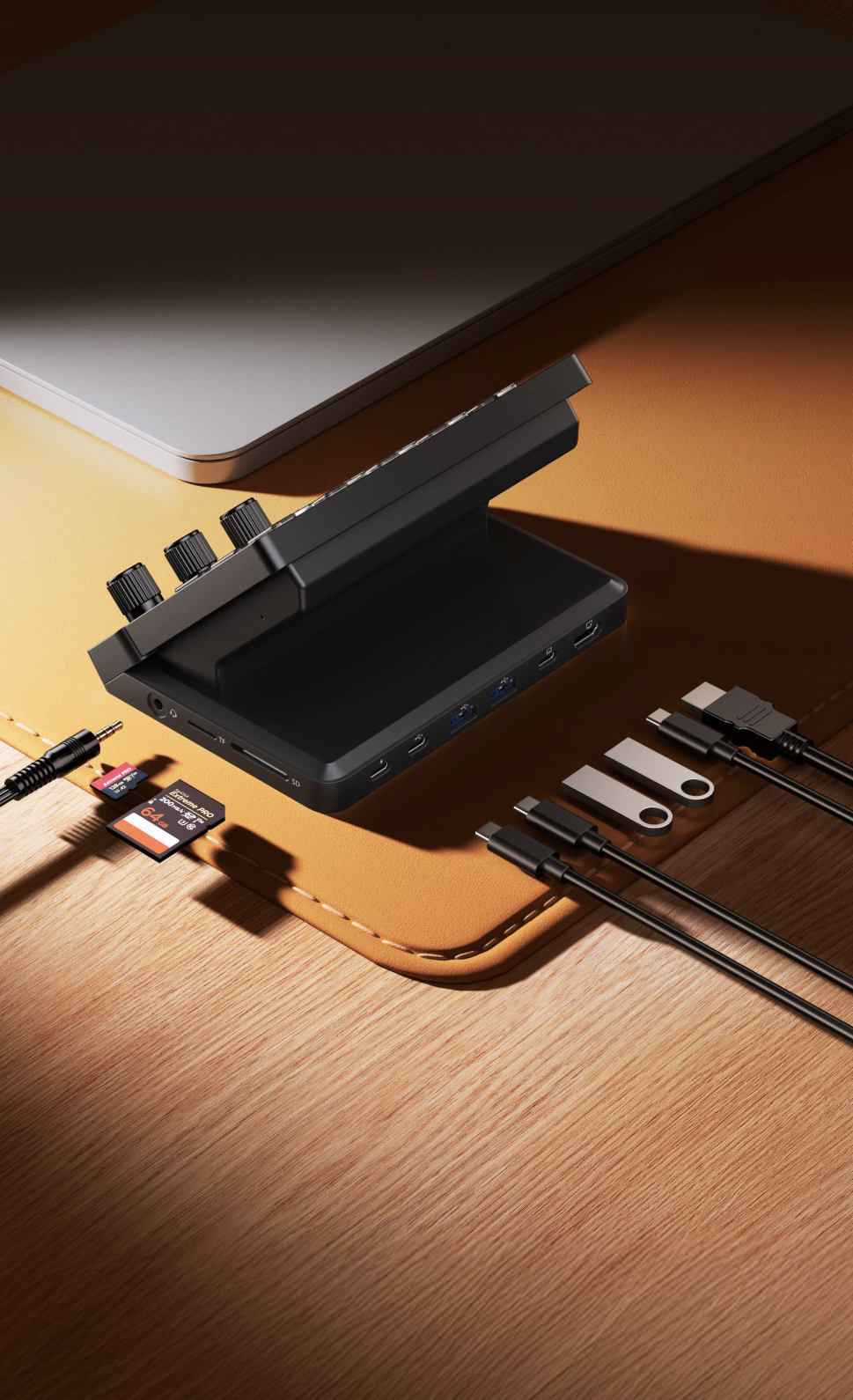
Minimalizm na biurku: Wielofunkcyjny Hub 8 w 1
Uporządkuj swoje biurko bez poświęcania mocy.
Ta zintegrowana stacja dokująca 8 w 1 zastępuje trzy oddzielne adaptery, łącząc port HDMI 4K@60Hz, czytniki kart SD/TF i szybkie ładowanie PD 100W w jednym eleganckim centrum dowodzenia.
Uprość swoją konfigurację dzięki D200X już teraz.
*Kompatybilność systemu
Windows: Windows 10 lub nowszy
macOS: macOS Monterey 12.0 lub nowszy

Jedna Talia. Nieskończone Możliwości.
Niezależnie od tego, czy pracujesz na osi czasu 4K, zarządzasz transmisją na żywo z 3 kamer, czy automatyzujesz swój inteligentny dom, D200X dostosowuje się do Ciebie.
Szwajcarski scyzoryk dla profesjonalistów. Płynnie przełączaj się między konfiguracjami Pro Editing, Pro Streaming i Pro Gaming w kilka sekund.

Bezproblemowa Integracja Ekosystemu
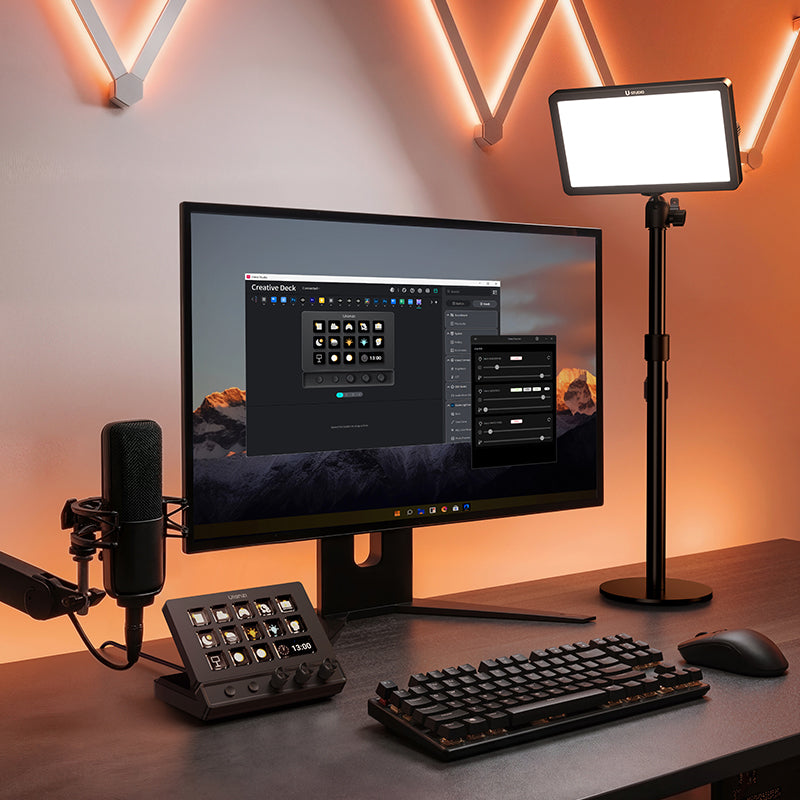
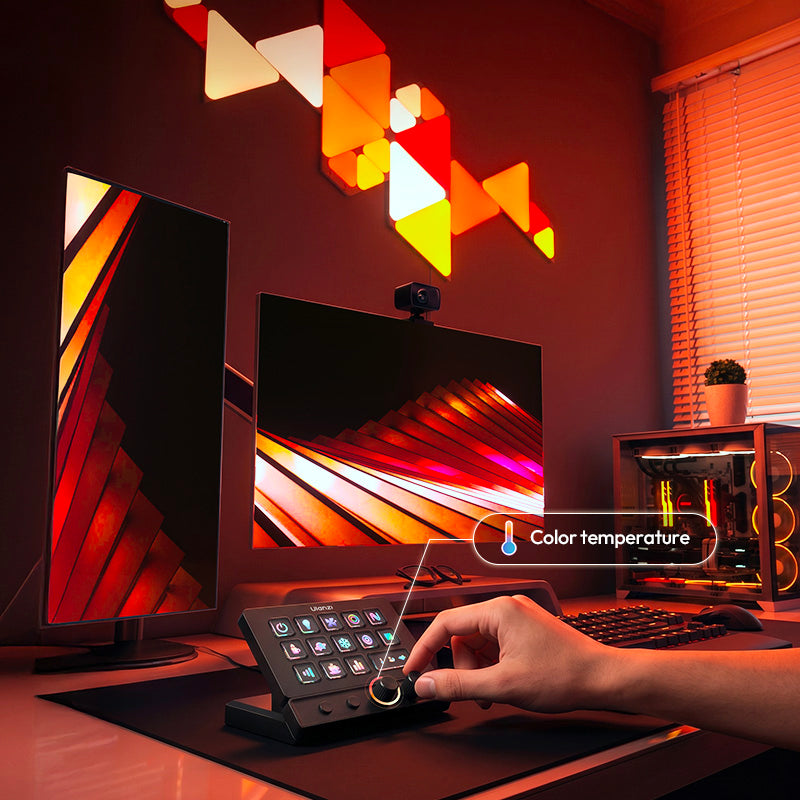
Jeden ujednolicony system sterowania łączy całą instalację oświetleniową, pozwalając na natychmiastową zmianę scen za pomocą klawiszy LCD oraz precyzyjne dostosowanie jasności, temperatury barwowej i efektów świetlnych za pomocą precyzyjnych pokręteł.
Płynnie steruj systemami K6500, profesjonalnymi systemami oświetleniowymi Ulanzi oraz inteligentnymi lampami Philips Hue zdalnie za pomocą aplikacji Ulanzi Connect.
Kompatybilny z: K6500, VL-200Bi, VL-120C, VL-120Bi, EC65, AL60, AL120 i innymi systemami oświetleniowymi Ulanzi; inteligentnymi lampami Philips Hue (wymagane sterowanie Bluetooth); Nanoleaf; Govee.
*Opakowanie zawiera tylko D200X; inne urządzenia sprzedawane są osobno.

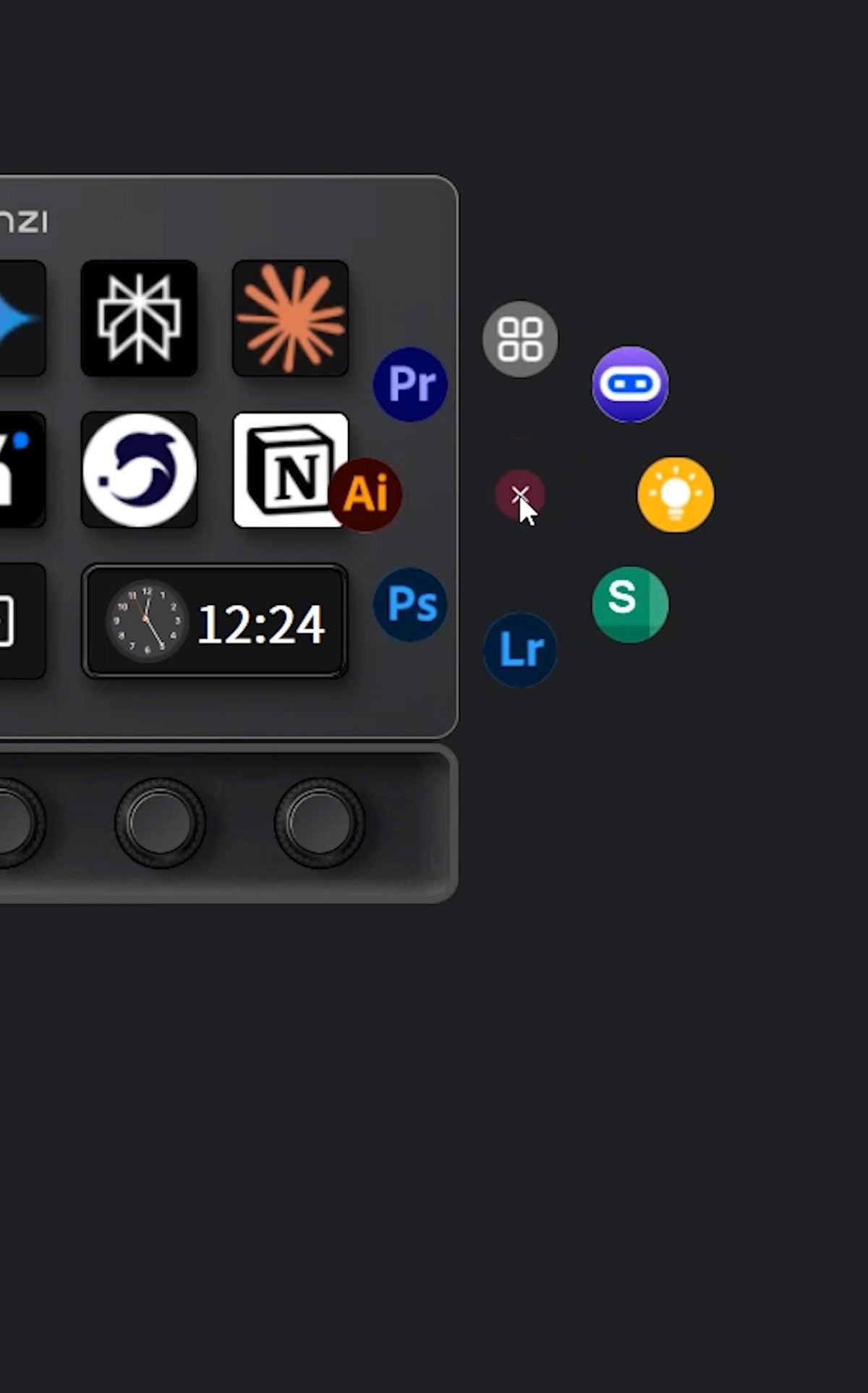
Gotowe presety i wtyczki
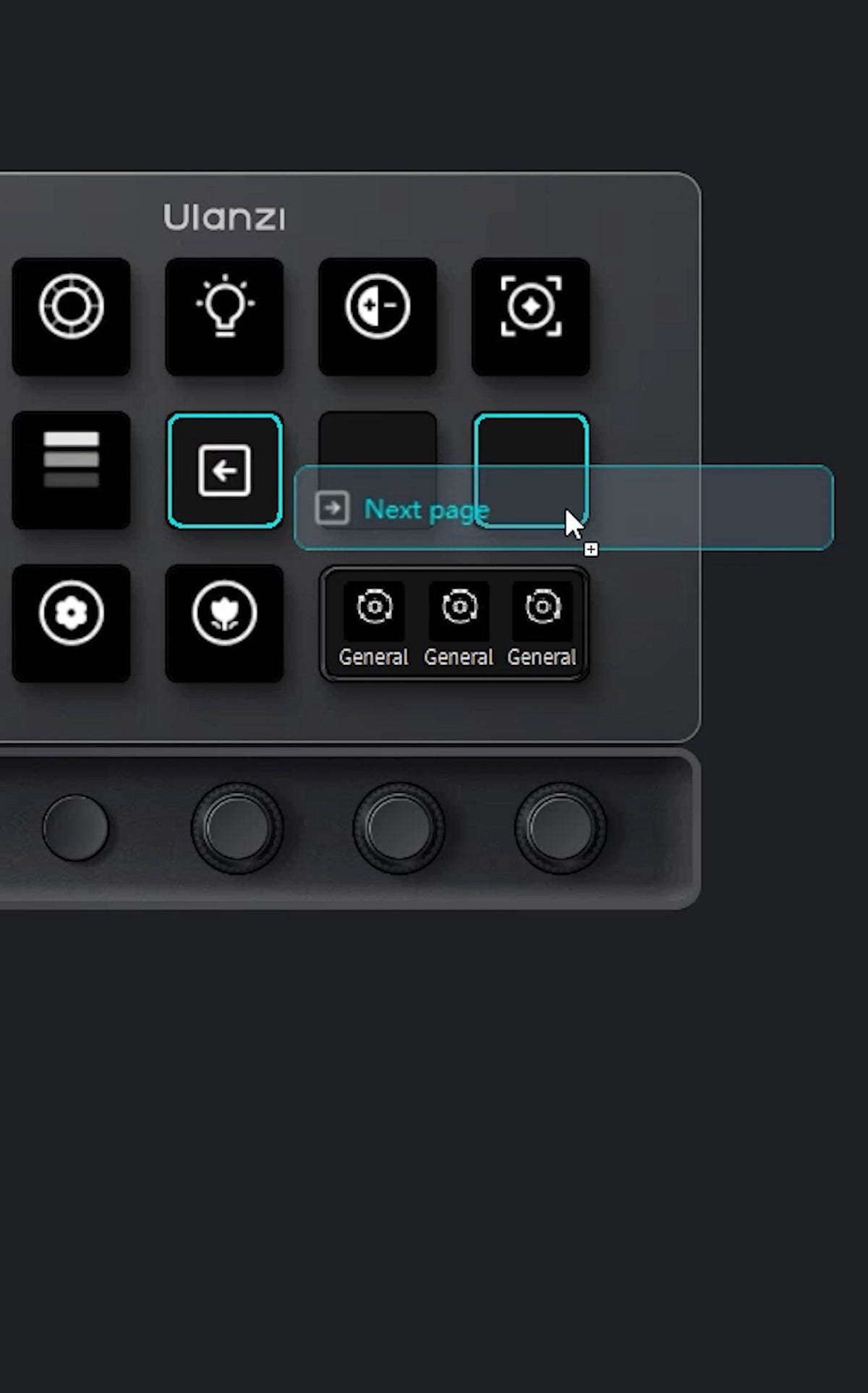
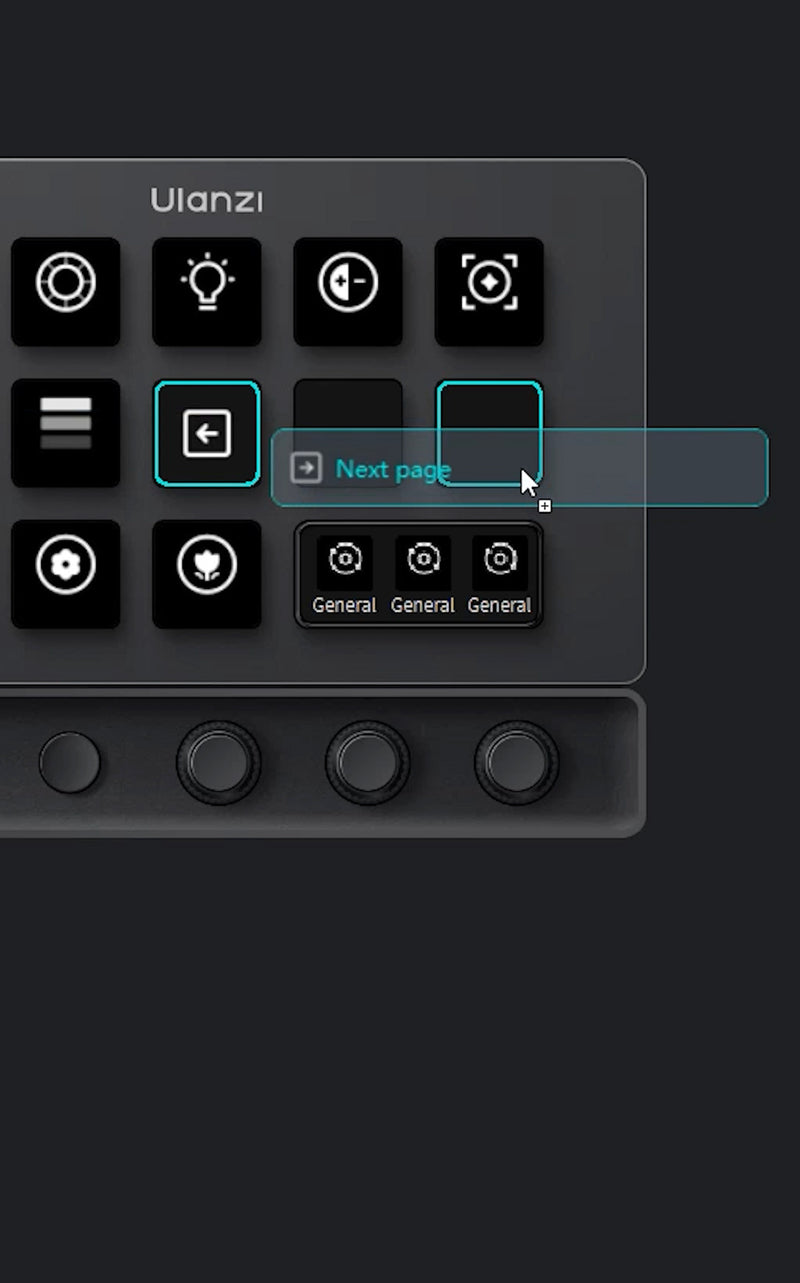
Natychmiast przeciągaj i upuszczaj wtyczki. Dostosowywalne ustawienia wstępne dopasowują się do Twojego przepływu pracy, dzięki czemu automatyzacja makr jest prosta i szybka.
*Kompatybilność z systemem
Windows: Windows 10 lub nowszy
macOS: macOS Monterey 12.0 lub nowszy


Blat D200X x Oświetlenie Nanoleaf
Sterowanie zasilaniem jednym kliknięciem
Szybkie włączanie i wyłączanie jednego lub wielu świateł Nanoleaf, z obsługą trybów przełączania, tylko włączania i tylko wyłączania.
Regulacja jasności
Ustaw stałą jasność za pomocą klawisza lub dostosuj jasność krok po kroku za pomocą pokrętła do czytania, wieczorów filmowych, użytku nocnego i innych zastosowań.
Sterowanie temperaturą barwową
Szybkie przełączanie między ciepłym a chłodnym białym oświetleniem, z zaprogramowanymi ustawieniami temperatury barwowej i stopniową regulacją za pomocą pokrętła do pracy, relaksu i oświetlenia otoczenia.
Zmiana koloru
Przełącz światła na wybrany kolor jednym naciśnięciem, co ułatwia tworzenie spersonalizowanej atmosfery.
Kontrola scen
Aktywuj zapisane sceny w aplikacji Nanoleaf, takie jak Czytanie, Kino, Relaks lub Impreza; pokrętło może również przełączać sceny.
Synchronizacja wielu urządzeń
Jeden klawisz może sterować wieloma światłami Nanoleaf jednocześnie, idealny do zsynchronizowanego oświetlenia w salonach, sypialniach i miejscach pracy.
Lokalna kontrola LAN
Wtyczka łączy się bezpośrednio z urządzeniami Nanoleaf przez sieć lokalną, bez konieczności logowania się do konta Nanoleaf ani zależności od chmury, co skutkuje szybszą reakcją.
Automatyczne wykrywanie i parowanie
Wyszukaj urządzenia Nanoleaf w sieci lokalnej, sparuj je raz, a następnie wybierz i kontroluj je bezpośrednio w wtyczce.

Stay in Control of Your AI. Stay in the Flow.
Monitor agent status and AI usage in real time, while bringing your most frequent coding actions to your fingertips. Make AI interactions faster, simpler, and more intuitive.
Status Overview
Real-Time Task Progress
Usage Monitoring
AI Resource Consumption
Quick Actions
Confirm | Cancel | Delete
*Discover more AI-related plugins in the AI section of the Ulanzi Studio App Marketplace.

Ekosystem Ulanzi Studio, uwolnij swoją kreatywność
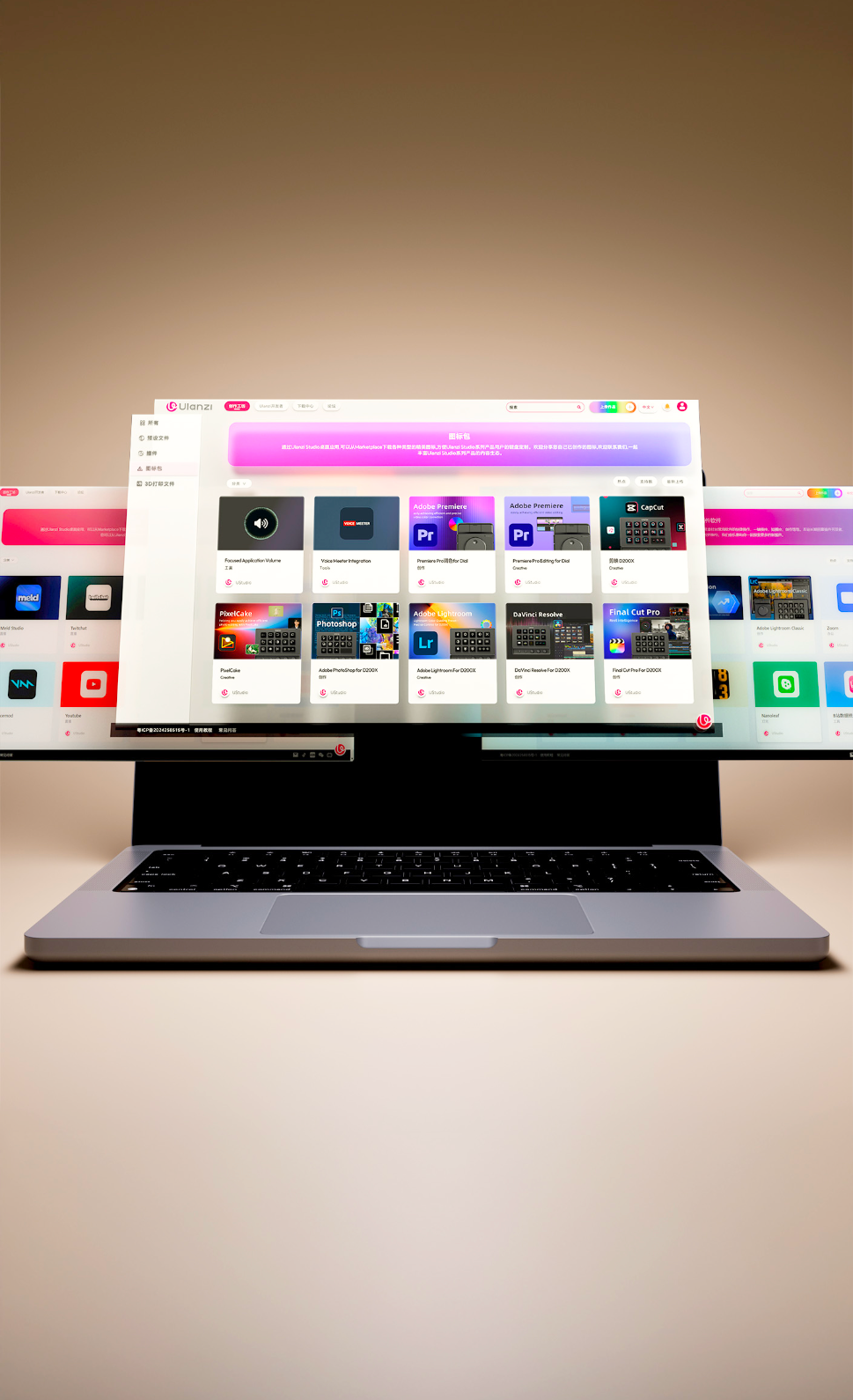
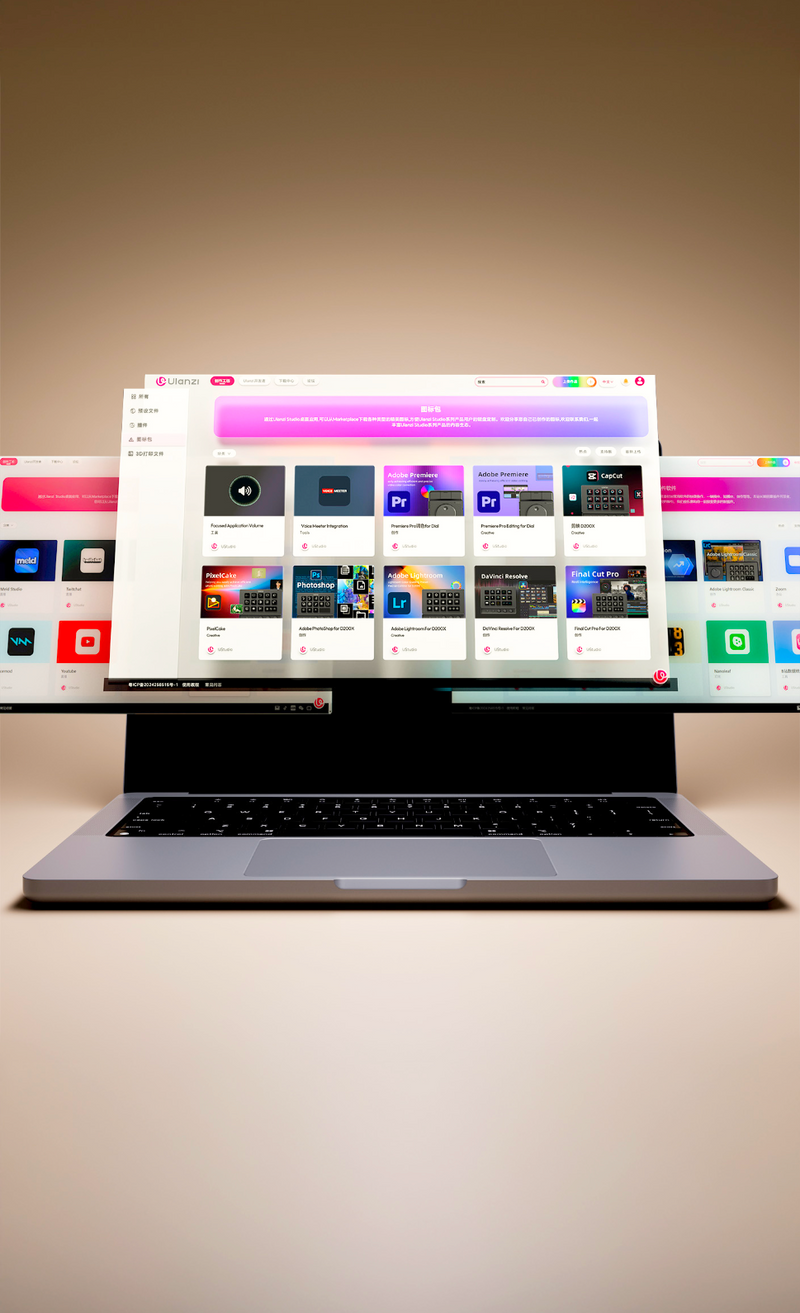
Uzyskaj natychmiastowy dostęp do wtyczek, presetów i oprogramowania towarzyszącego. Stale aktualizowane, aby usprawnić tworzenie treści i postprodukcję.
Tryb dostosowywania
Tryb dostosowywania
-

Opakowanie *1
-

Pisanie dokumentu
-

Oparta na sztucznej inteligencji
-

Instrukcja obsługi*1
-

Instrukcja obsługi*1
-

Instrukcja obsługi*1


Specyfikacje
Marka: Ulanzi
Model: D200X
Materiały: ABS + PC, płyta czołowa ze stopu aluminium, klawisze akrylowe, antypoślizgowe podkładki silikonowe
Wymiary: 153 x 113.5 x 98 mm / 6.02 x 4.47 x 3.86 cala
Waga netto: Ok. 480 g / 16.93 oz
Waga brutto: Ok. 720 g / 25.4 oz
Moc: 10W (maks.)
Zasilanie: Port Type-C (5V/2A); port Type-C PD, obsługuje PD 3.0, wejście do 100W

Panel sterowania
Ekran: wyświetlacz 5,5 cala, rozdzielczość 960 × 540 (układ RGB)
Przyciski: 14 konfigurowalnych przycisków LCD
Pokrętła: 3 konfigurowalne pokrętła, obsługujące obrót zgodnie/przeciwnie do ruchu wskazówek zegara i naciśnięcie
Klawisze: 2 konfigurowalne klawisze
Interfejsy
Gniazdo kart TF: Obsługuje TF 3.0
Gniazdo kart SD: Obsługuje SD 3.0
Audio: gniazdo słuchawkowe 3,5 mm (obsługuje wyjście audio i wejście mikrofonu)
HDMI: Wyjście wideo, obsługuje do 4096×2160 / 60Hz; HDCP 1.4/2.2
Type-C (Host): USB 3.2 Gen 2 (10Gbps)
USB-A (Host): USB 3.2 Gen 2 (10Gbps)
Type-C (dane/ładowanie): USB 3.2 Gen 2 (10Gbps); obsługuje PD 3.0, wyjście do 85 W (obsługiwane ładowanie laptopa)
Type-C (PD): Obsługuje PD 3.0, wejście do 100 W
*Powyższe specyfikacje oparte są na testach laboratoryjnych Ulanzi i służą wyłącznie jako punkt odniesienia. Specyfikacje produktu mogą ulec zmianie bez wcześniejszego powiadomienia.

Lista przewozowa
D200X *1
Kabel do transmisji danych *1
Instrukcja obsługi *1
Mój Mac jest podłączony do D200X, ale przyciski i pokrętła nie reagują. Jak to naprawić?
Mój komputer z systemem Windows jest podłączony do D200X, ale wyświetla się komunikat „Nie rozpoznano urządzenia USB”. Jak to naprawić?
Co powinienem zrobić, jeśli ekran gaśnie po podłączeniu D200X do komputera?
Z jakim oprogramowaniem kompatybilny jest D200X?
Jak dodać skróty do programów na pulpicie do przycisków Decka?
macOS: Kliknij dolny pasek 【Finder】 - 【Aplikacje】, następnie przeciągnij ikonę aplikacji z tej strony.
Jak używać skonfigurowanych funkcji niestandardowych na różnych komputerach?
Czy istnieją jakieś wymagania dotyczące korzystania z niestandardowych konfiguracji?
Czym to się różni od Elgato Stream Deck?
Czy to działa z systemem macOS oraz programami Final Cut Pro, DaVinci Resolve lub Premiere?
Do czego służą te 3 enkodery obrotowe — czy mogę przypisać je do suwaków w Lightroomie lub Premiere?
Czy mogę go używać jako stacji dokującej USB-C jednocześnie z makroklawiaturą?
Czy mogę przypisać makra i wieloetapowe skróty do jednego klawisza?
Czy to steruje moimi lampami Ulanzi, Philips Hue, Nanoleaf czy Govee?
Czy mogę sparować to z kontrolerem obrotowym D100H?

Masz już konto?
Zaloguj się, aby szybciej realizować zakupy.

€0,00
- Zaznaczenie wyboru powoduje całkowite odświeżenie strony.