The $100 Solo Creator Challenge: Why Your Trail Kit Starts with Rigging
You’re standing on a ridge at sunrise. The light is hitting the peaks just right, your breath is visible in the crisp air, and you’ve got a story to tell. But there’s a problem: you’re solo, your pack is already heavy, and you don’t have a film crew.
The biggest mistake I see beginner trail vloggers make is sinking their entire budget into a "better" camera while neglecting the gear that actually allows them to film. In reality, your smartphone is a world-class sensor already sitting in your pocket. The real magic happens when you spend that $100 on the infrastructure—the mounts, lights, and audio hacks that turn a shaky phone clip into a cinematic journey.
As we noted in The 2026 Creator Infrastructure Report, the shift toward "ready-to-shoot" toolchains is the new standard. For a solo hiker, this means your gear must be ultra-lightweight, modular, and reliable enough to survive a "tug test" at 4,000 feet.
The "Wearable First" Rule: Why You Should Ditch the Tripod (For Now)
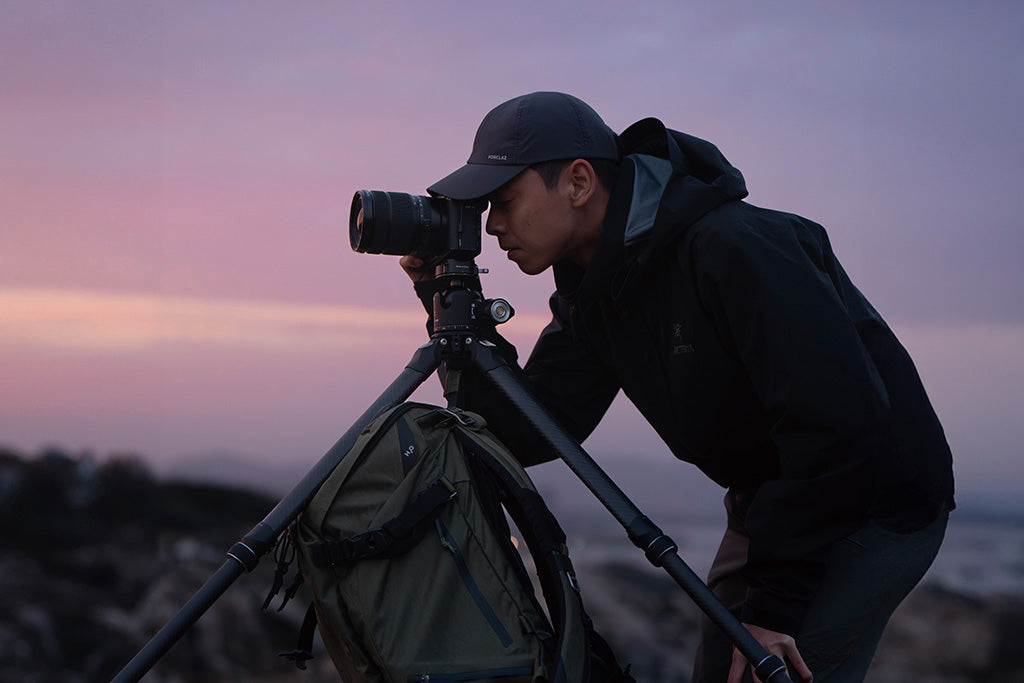
If you have $100 to spend, don't buy a fancy tripod first. Why? Because 80% of trail content is dynamic—it’s you moving through the environment. A tripod in your pack is "dead weight" until you stop. A wearable mount is a "live asset" from the moment you hit the trailhead.
I always recommend the "Wearable First" strategy. By prioritizing a secure chest or backpack mount, you enable hands-free filming that captures the true POV (Point of View) of the hike.
Why the Backpack Strap is Your Best Friend
For most hikers, a backpack strap mount is the most stable place to put a camera. It’s close to your center of gravity, which naturally dampens the "bobbing" motion of your stride.
The Ulanzi CO62 Go-Quick II Magnetic Backpack Clip Mount is a pro-tier hack for under $30. It uses a wrap-around Velcro design and anti-slip rubber to stay put.
Pro Tip: Always perform a "tug test" after attaching your mount. Pull on it firmly. Then, walk for 10 minutes and do it again. If it shifted, your strap is too loose or the mount needs repositioning.
The Neck Mount: The "Immersive" Alternative
If you want that true "first-person" look where the viewer sees your hands interacting with the trail or your gear, a neck mount is the way to go. The Ulanzi Go-Quick II Magnetic Neck Holder Mount uses skin-friendly silicone and a magnetic buckle that lets you "blind-mount" the camera without looking down.
Stabilization Math: Is Carbon Fiber Worth the Hiker Tax?
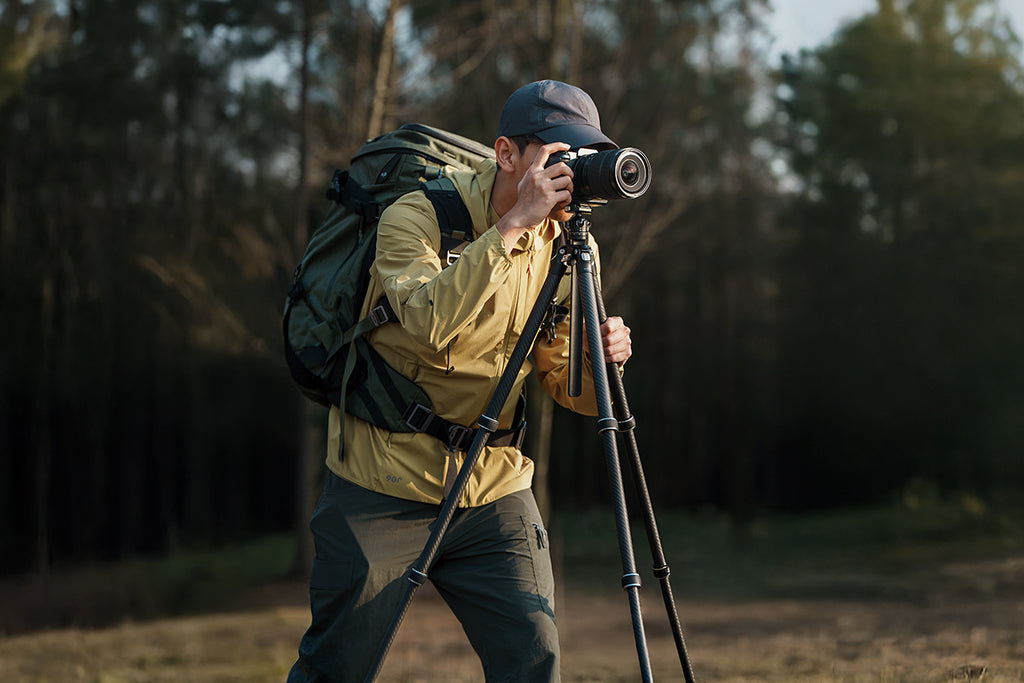
When you do eventually add a tripod to your $100 kit, you’ll face the classic debate: Aluminum or Carbon Fiber? Aluminum is cheaper, but Carbon Fiber is lighter and vibrates less.
Based on our scenario modeling for a "Thru-Hiker" persona, we found that material choice isn't just about weight—it's about how fast your shot stops shaking after a gust of wind.
| Feature | Aluminum (Budget) | Carbon Fiber (Premium) | Logic / Source |
|---|---|---|---|
| Vibration Settling Time | ~9.9 seconds | ~1.9 seconds | SDOF Damped Vibration Model |
| Natural Frequency | ~8.0 Hz | ~16.8 Hz | ISO 13753 Standards |
| Damping Ratio | 0.008 (Low) | 0.020 (High) | Composite Material Mechanics |
Logic Summary: Carbon fiber tripods provide ~81% faster vibration settling because the material itself absorbs energy more efficiently than metal. If you’re shooting in windy gaps, that's the difference between a sharp photo and a blurry mess.
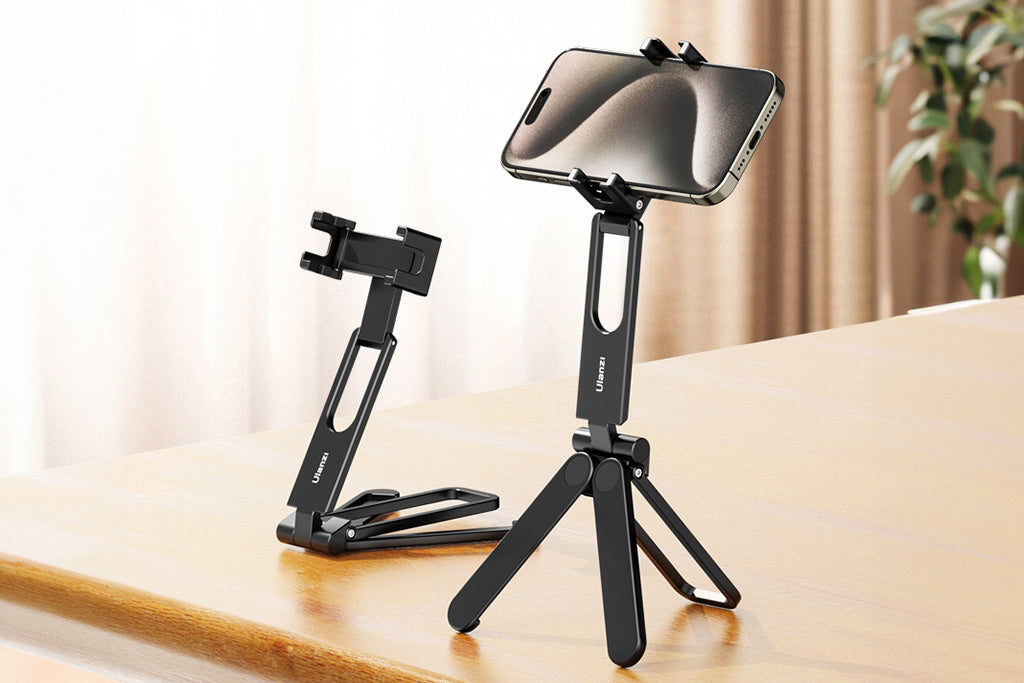
For a budget setup, the Ulanzi U-Vlog Lite Extendable Tripod is a fantastic compromise. It’s made of sturdy ABS plastic with non-skid pads, and it’s small enough to serve as a handgrip when you're filming yourself talking (A-roll).
The "Wrist Torque" Biomechanical Analysis: Save Your Joints
Here is a non-obvious tip: Weight isn't the only thing that tires you out; leage is the silent killer. When you mount a heavy phone or camera on the end of a long selfie stick or a bulky rig, you are creating torque on your wrist.
The Formula: Torque ($\tau$) = Mass ($m$) $\times$ Gravity ($g$) $\times$ Lever Arm ($L$).
If you have a 0.5kg rig (phone + mount + light) and you hold it 30cm (0.3m) away from your wrist, you’re generating about $1.47 N\cdot m$ of torque. That might not sound like much, but over a 6-hour hike, it leads to significant fatigue.
The Fix: Keep your "Lever Arm" short. Use compact mounts like the Ulanzi Falcam F38 Quick Release for Camera Shoulder Strap Mount Kit V2 to keep the camera tight against your body or pack.
Note: While many think quick-release plates are carbon fiber, the F38 is actually precision-machined Aluminum Alloy. It’s incredibly rigid, but remember that in winter, aluminum acts as a "thermal bridge," pulling heat away from your camera battery. Attach your plates indoors before hitting the cold!
Audio: The $5 Hack That Saves Your Video
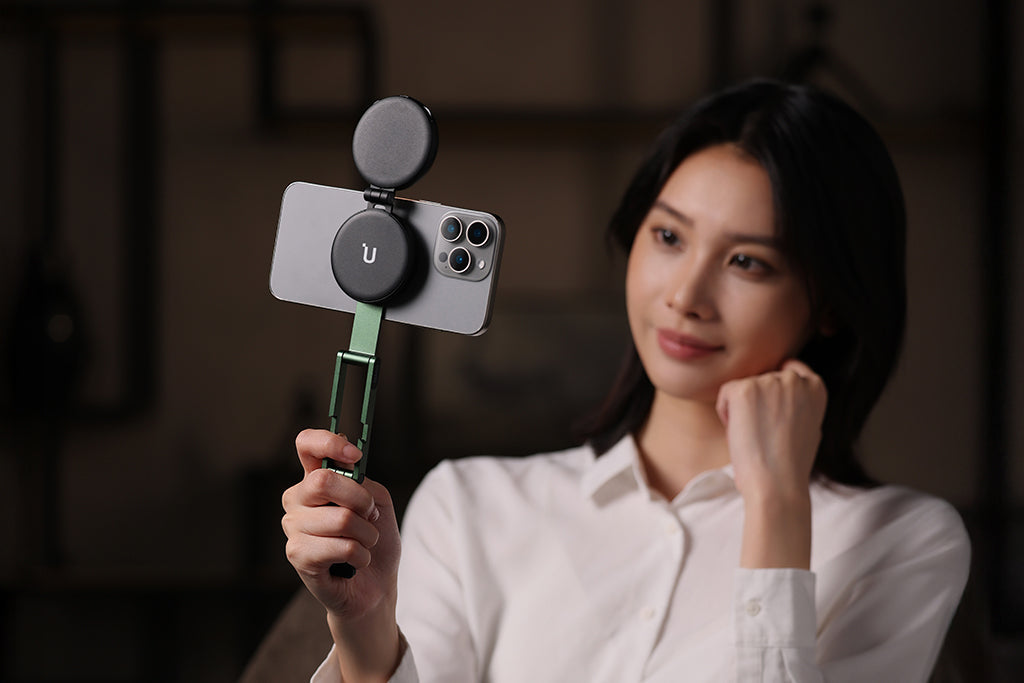
Wind noise is the #1 audio killer on the trail. You can have 4K video, but if the audio sounds like a hurricane, people will stop watching in seconds.
Most beginners think they need a $100 microphone. You don't. The Pro Hack: Buy a small "furry" wind muff (a "deadcat") for under $5. Use a small, reusable rubber band to secure it directly over your camera or smartphone's built-in microphone.
The "Audio Reach" Reality Check
Our modeling shows that for compact microphones, distance is everything.
- Optimal Distance: Under 0.43 meters (approx. 1.4 feet).
- The Problem: Most chest mounts put the camera about 0.5 meters from your mouth.
- The Result: You lose about ~1.4dB of signal, and background wind noise starts to take over.
Logic Summary: Based on IEC 60268-4 distance factor calculations, a compact mic's "Voice Reach" is limited outdoors. If you are using a chest mount, tilt the camera slightly upward toward your face to help the internal mic pick up your voice more clearly.
Lighting: Luminous Autonomy on the Trail
Solo hikers often end up setting up camp in the dark. If you want to film your "camp life" segments, you need light. But you don't need a heavy studio panel.
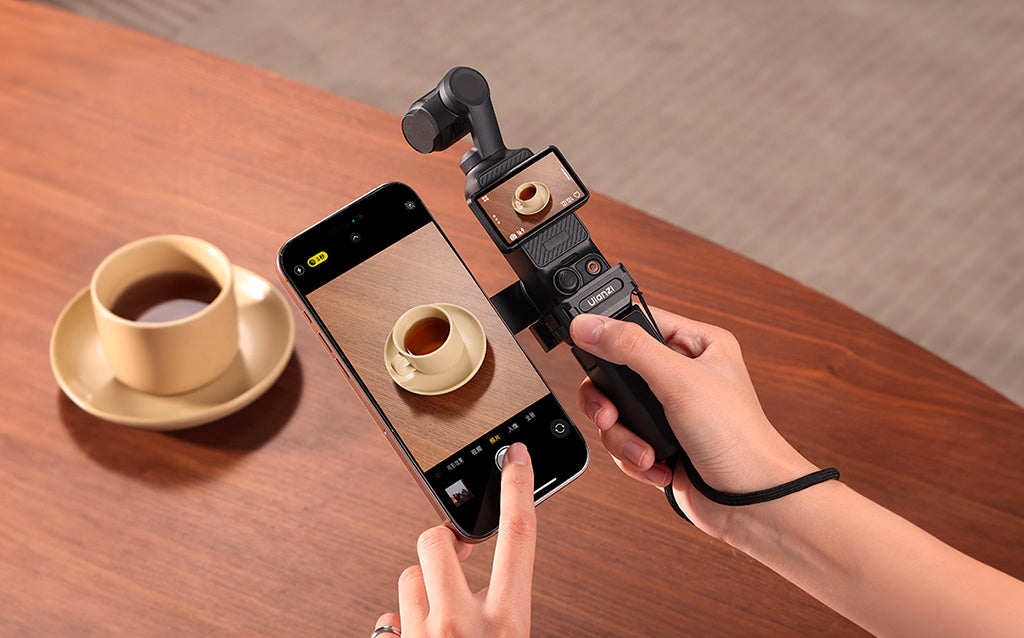
A small, diffused LED panel mounted on your camera's cold shoe is far more effective. However, you have to manage your power.
Runtime Modeling (60% Brightness): If you use a lightweight 1500mAh LED light at 60% brightness, you’ll get approximately 67 minutes of runtime (based on a 3.7V battery with 85% efficiency).
Safety First: When choosing lights, ensure they meet IEC 62471 Photobiological Safety standards to protect your eyes during close-up vlogging.
Power Management & "Visual Weight"
When you’re flying to a trailhead, remember the IATA Lithium Battery Guidance. Always keep your power banks in your carry-on, never in checked luggage.
The 20% Efficiency Rule: A 10,000mAh power bank doesn't actually give you 10,000mAh. Due to voltage conversion and heat, you typically lose 20-30% of that capacity. For a multi-day hike, budget your recording time based on 7,000mAh of "real" juice.
Travel Tip: Compact, modular systems like the Falcam F38 have low "Visual Weight." This means they look like part of your bag, not "professional equipment." This makes you less likely to be stopped by airline gate agents for weighing your "camera gear."
The "Workflow ROI": Why Seconds Matter
Why bother with quick-release systems like the Falcam F38 on a budget? Because of the Workflow ROI.
- Traditional Screw Mount: ~40 seconds to swap from backpack to tripod.
- Quick Release: ~3 seconds.
If you do 10 swaps a day on a 5-day trek, you save over 30 minutes of fiddling with screws. More importantly, you don't miss the shot because you were too lazy to take the camera off your pack.
Logic Summary: We estimate that for a consistent creator, a quick-release system saves roughly 49 hours of "fiddle time" annually. That’s an entire work week spent filming instead of screwing in plates.
Your Pre-Shoot Safety Checklist
Before you step onto the trail, run through this checklist to ensure your $100 kit doesn't end up at the bottom of a canyon:
- Audible Check: Did the mount "Click"? If you didn't hear it, it's not locked.
- Tactile Check: The "Tug Test." Pull the camera. If it wiggles, tighten the Arca-Swiss plate (aligned with ISO 1222:2010).
- Visual Check: Is the locking pin indicator showing? (Usually orange or silver).
- Cable Check: If you're charging while filming, ensure the cable isn't creating torque that could unscrew your mount.
Modeling Transparency (Method & Assumptions)
To provide these recommendations, we used scenario modeling based on the "Appalachian Trail Thru-Hiker" persona.
| Parameter | Value / Range | Unit | Rationale |
|---|---|---|---|
| Tripod Mass | 0.5 | kg | Minimum viable weight for backpacking |
| Target Wind Speed | 15 | m/s | Moderate mountain winds |
| Battery Capacity | 1500 | mAh | Lightweight vlogging light spec |
| Mic Distance | 0.5 | m | Typical chest-to-mouth distance |
| Air Density | 1.225 | kg/m³ | Standard sea-level baseline |
Note: This is a deterministic parameterized model, not a controlled lab study. Results may vary based on specific gear geometry and real-world weather gusts.
Trust & Safety Sidebar
- Battery Safety: Only use batteries tested to IEC 62133-2.
- Mounting: Always use the safety lock on quick-release plates during high-intensity movement (running/climbing).
- Legal: If using wireless mics, ensure compliance with FCC Part 15 (US) or RED Directive (EU).
Ready to build your kit? Start with the wearable mount, grab a $5 deadcat for your mic, and use the remaining budget on a solid quick-release system. Your back (and your viewers) will thank you.
Disclaimer: This article is for informational purposes only. Outdoor activities carry inherent risks. Always test your gear in a safe environment before using it in remote or dangerous locations. Consult with a professional if you have pre-existing wrist or back conditions before using heavy camera rigs.