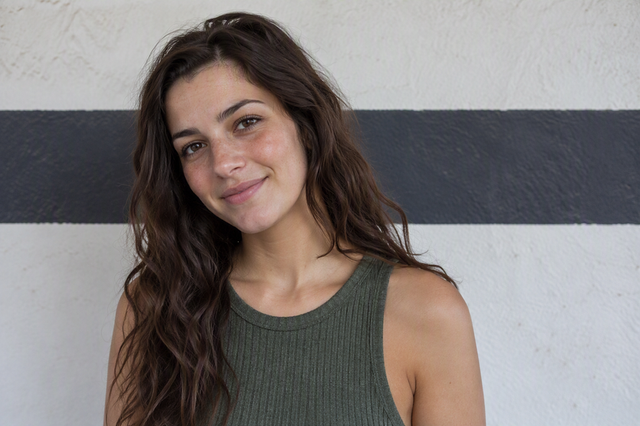
High-Noon Harmony: Using Pocket LEDs to Soften Harsh Shadows
The midday sun is a dual-edged sword for the solo creator. While it provides an abundance of exposure, it is also the source of the most challenging lighting conditions in the field: high-contrast, vertical shadows that create "raccoon eyes" and wash out skin texture. Traditionally, solving this required bulky 5-in-1 reflectors or high-wattage HMI lamps—gear that often contradicts the mobility requirements of modern prosumer builders.
The shift toward high-output pocket LEDs has changed the tactical landscape. By integrating compact, high-CRI (Color Rendering Index) sources into a modular rigging system, we can achieve "High-Noon Harmony"—a technique that balances artificial fill with harsh ambient light to preserve facial contours and maintain professional-grade depth. This guide details the methodical application of portable lighting systems to overcome uncontrolled environmental challenges.
The 45-Degree Rule: Engineering Depth in Flat Light
One of the most common mistakes we observe in field reports is placing the fill light too close to the camera axis. While this effectively removes shadows, it also flattens the subject, stripping away the three-dimensionality that defines high-end cinematography.
To solve this, we rely on the 45-degree rule. Position your fill light roughly 45 degrees off-axis from the camera-to-subject line. Additionally, raise the light slightly above the subject's eye level. This placement mimics natural skylight fill while providing enough directionality to define the jawline and cheekbones.
For the solo creator, executing this rule requires a balance of light quality and positioning speed. A high-output source like the Ulanzi L024 40W RGB Portable LED Video Light provides sufficient luminance to compete with the sun when used at close range. However, the effectiveness of small softboxes is physically limited by their size relative to the subject. Our field observations suggest a "sweet spot" of 2–3 feet from the subject's face. Beyond this distance, the softening effect diminishes rapidly, and the LED reverts to a small, hard light source that creates its own secondary harsh shadows.
Biomechanical Analysis: The Hidden Cost of Leverage
When shooting solo, you are often your own lighting technician. This frequently leads to "handheld fill," where the creator holds a light at arm's length while operating the camera. While pocket LEDs are marketed as "lightweight," the physics of leverage can quickly lead to musculoskeletal fatigue.
We must consider the Wrist Torque generated by extended-arm positioning. Weight is only one part of the equation; the "Lever Arm" (distance from the joint) is the force multiplier.
The Torque Calculation
We can model the strain on a creator's wrist using the formula: Torque ($\tau$) = Mass ($m$) $\times$ Gravity ($g$) $\times$ Lever Arm ($L$)
In a typical scenario involving a 0.5kg rig (LED + mini softbox) held at a 0.6m extension on a pole like the Ulanzi Selfie Stick Pole for Insta360/DJI/Gopro Action Camera 3031, the resulting torque is approximately 3.19 N·m.
Modeling Note (Ergonomic Analysis):
- Scenario: A female solo creator (28-40 years old) holding a fill light at arm's length.
- Method: Static equilibrium model based on ISO 11228-3 standards.
- Assumptions: Arm held horizontally; static load; 10 Nm Maximum Voluntary Contraction (MVC) for the wrist.
Parameter Value Unit Rationale Rig Mass 0.5 kg LED + Small Softbox Extension Distance 0.6 m Extended arm positioning MVC Fraction 0.32 ratio 32% of max strength Fatigue Threshold 0.15 ratio 15% MVC for sustained load Insight: At 32% of MVC, the load is more than double the sustained fatigue threshold (15%). This explains why creators experience forearm burning and "shaky light" within 15 minutes of continuous handheld work. To maintain the 45-degree rule without injury, we recommend transitioning the light to a stable support like the Ulanzi Falcam TreeRoot Quick Open Desktop Tripod T00A4103 as soon as the shot is framed.
Power Management: Predictive Runtime Modeling
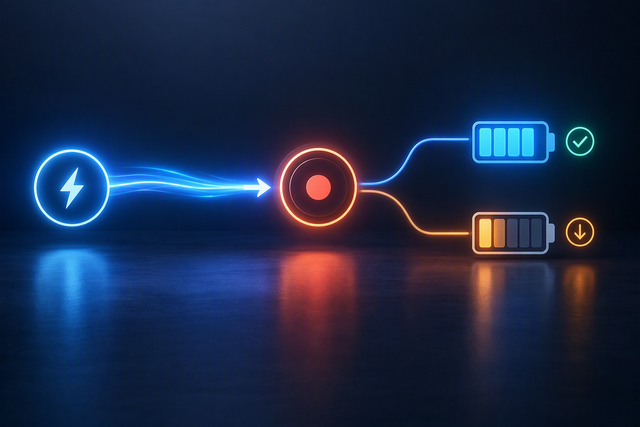
High-noon scenarios require maximum output to overcome the sun’s intensity. However, running a pocket LED at 100% brightness creates a significant thermal and power draw. Based on our analysis of common Li-ion battery discharge curves, high-output modes on pocket LEDs can drain a full charge in under 60 minutes.
For mission-critical shoots, we utilize the Luminous Autonomy Runtime Predictor to determine the necessary power infrastructure.
| Shooting Mode | Brightness | Estimated Runtime (Internal) | External Power Solution |
|---|---|---|---|
| Subtle Fill | 25% | ~210 Minutes | Internal Battery |
| Standard Fill | 50% | ~107 Minutes | Internal Battery |
| High Contrast | 100% | ~54 Minutes | Power Bank / V-Mount |
| Extended Day | 50% | ~14 Hours | 10,000mAh Power Bank |
Note: Estimates based on a 2000mAh/3.7V internal battery at 85% health.
For stationary setups or interviews exceeding one hour, the "pro move" is to bypass internal batteries. Using the Ulanzi 120W Bi-color / RGB V-Mount Video Light with a V-mount battery provides the high-intensity output needed for "sun-competition" without the risk of mid-take blackouts. When traveling, ensure your battery strategy complies with the IATA Lithium Battery Guidance Document, which limits individual batteries to 100Wh for carry-on without prior airline approval.
Color Science: Beyond the CRI Label
When mixing artificial light with the sun, spectral consistency is non-negotiable. Many budget LEDs claim a high CRI of 95+, but CRI is an aged standard that doesn't fully account for modern CMOS sensor response. For video work, we prioritize the Television Lighting Consistency Index (TLCI).
According to the EBU R 137 / TLCI-2012 standard, a light with a TLCI greater than 90 requires no color correction in post-production. For cinema-tier projects, we look for the Spectral Similarity Index (SSI), which compares the LED spectrum directly to a reference source like daylight (D55 or D65).
A practical heuristic for balancing color in the field:
- Match CCT: Set your LED to 5600K (Daylight) to match the sun.
- Check Tint: If skin tones look slightly green or magenta, adjust the G/M tint on your light (if available) rather than relying on global white balance.
- Objective Verification: Use a camera waveform monitor or false-color tool to ensure the fill light is hitting the correct exposure level—typically 1/4 to 1/8 the perceived brightness of the sun for a natural look.
Workflow ROI: The Speed of Modular Systems
In uncontrolled environments, the "cost" of gear isn't just the purchase price; it’s the setup time. Every minute spent fiddling with thumb-screws is a minute lost of the "Golden Hour" or a minute the subject spends squinting in the heat.
As highlighted in The 2026 Creator Infrastructure Report, the shift toward modular quick-release systems like Falcam F38 and F22 is driven by quantifiable efficiency gains.
The Workflow ROI Calculation:
- Traditional Thread Mounting: ~40 seconds per swap.
- Quick Release (F38/F22): ~3 seconds per swap.
- The Impact: For a pro doing 60 gear swaps per shoot across 80 shoots a year, this saves approximately 49 hours annually. At a professional rate of $120/hr, this represents a ~$5,900+ value in recovered time.
Material Accuracy & Load Nuance
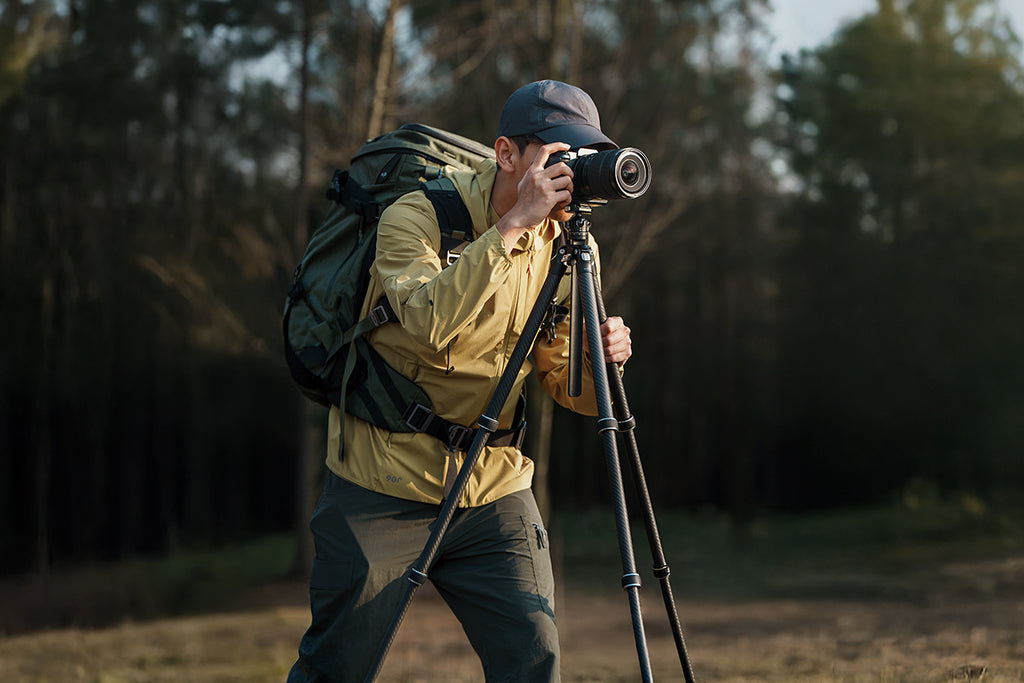
When building your support system, it is vital to understand the materials. Falcam Quick Release plates are precision-machined from Aluminum Alloy, not carbon fiber. While carbon fiber is excellent for tripod legs due to its vibration-damping properties, aluminum is preferred for plates because of its rigidity and tight machining tolerances.
Warning: Aluminum acts as a "thermal bridge." In extreme cold, an aluminum plate can conduct heat away from the camera body, accelerating battery drain. We recommend attaching your plates to the camera indoors before heading into the field to minimize thermal shock.
Pre-Shoot Safety Checklist
Before committing your high-end camera to a portable support system, implement this tactile and visual checklist based on industry best practices for ISO 1222:2010 tripod connections.
- Audible: Listen for the "Click" when sliding a plate into the mount.
- Tactile: Perform the "Tug Test." Pull the camera upward and side-to-side immediately after mounting to ensure the locking pin is engaged.
- Visual: Check the locking indicator. If your mount has an orange or silver safety pin, ensure it is fully seated and not obstructed by debris.
- Cable Management: Use cable clamps to provide strain relief. A heavy HDMI cable can create unwanted torque that may slowly loosen a 1/4"-20 screw over time.
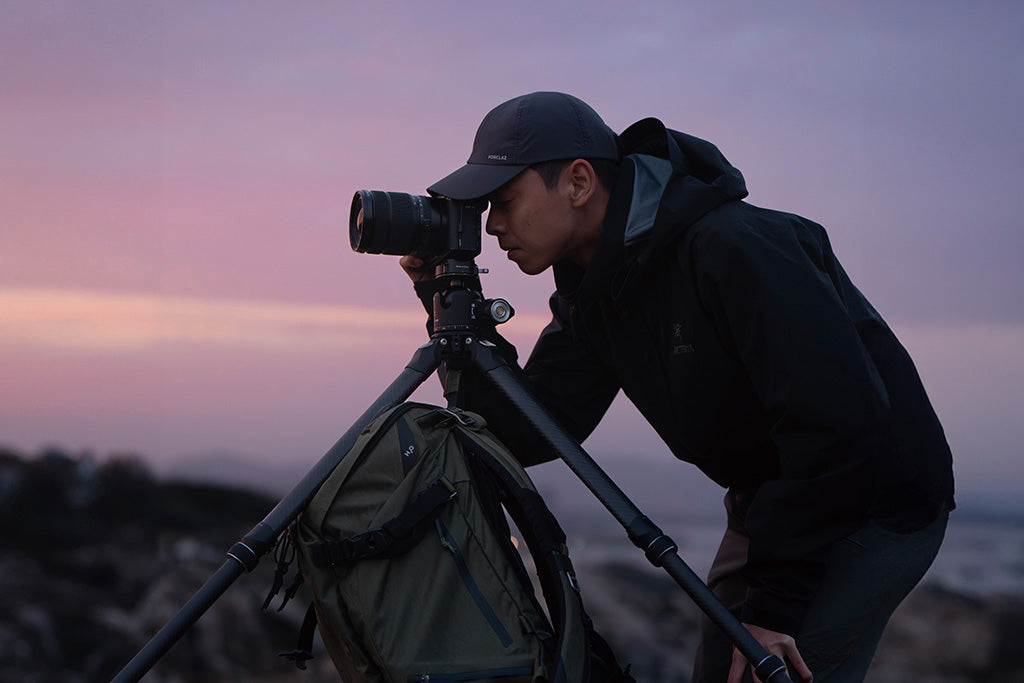
Smart Problem-Solving in the Field
Achieving "High-Noon Harmony" is less about having the biggest light and more about managing the ecosystem of support, power, and placement. By understanding the biomechanical limits of handheld shooting and the technical requirements of color consistency, you can transform the harshest midday sun into a professional, high-key backlight.
The goal of a modular workflow is to reduce friction. When your lighting, support, and power systems integrate seamlessly, you stop being a "gear operator" and start being a director. Whether you are using a pocket LED for a quick vlog or a 120W V-mount system for a documentary, the principles of efficiency and technical discipline remain the same. Focus on the ratios, respect the physics of torque, and always verify your locks.
Disclaimer: This article is for informational purposes only. When using high-output LEDs, ensure compliance with IEC 62471:2006 Photobiological Safety to prevent eye strain or injury. Always consult your equipment manuals for specific load ratings and battery safety protocols.
References
- ISO 1222:2010 Photography — Tripod Connections
- EBU R 137 / TLCI-2012 (Television Lighting Consistency Index)
- The 2026 Creator Infrastructure Report: Engineering Standards, Workflow Compliance, and the Ecosystem Shift
- IATA Lithium Battery Guidance Document (2025)
- IEC 62471:2006 / EN 62471:2008 Photobiological Safety