The Ergonomic Infrastructure of Mobile Filmmaking
For the solo creator, the smartphone is no longer just a communication device; it is the core of a high-performance production rig. However, as we transition from handheld snapshots to rigged-out mobile cinematography, a common friction point emerges: the physical mismatch between the human hand and the mechanical cage.
In our observations of creator workflows, the most frequent ergonomic failure isn't an outright poor fit of the phone into the cage, but a mismatch between the rig's center of gravity and the user's natural hand position. A cage that is technically compatible with your device can still feel awkward if its mass is biased toward the lens side, forcing a compensatory wrist angle that leads to rapid fatigue.
Choosing a cage is not merely about finding a frame that fits your iPhone or Android device. It is about matching the external geometry of that frame to your hand size and your specific shooting environment. This guide breaks down the biomechanics of grip, the physics of torque, and the modular solutions that turn a "standard" rig into a bespoke extension of your workflow.
The Biomechanics of the Grip: Hand Breadth vs. Cage Width
When we evaluate a cage, we must look beyond the internal dimensions. While manufacturers often prioritize "universal adjustability"—the ability to fit phones from 2.2 to 4 inches wide—this design often forces a single, suboptimal external grip geometry.
Based on ergonomic principles for tool handle design, we utilize a specific heuristic for stability: the total external width of the cage should not exceed 150-160% of the user's hand breadth (the width across the knuckles).
Why the 160% Threshold Matters
If you have a hand breadth of 100mm, a cage wider than 160mm begins to compromise your "precision grip." You transition into a "power grip," which is excellent for holding a hammer but poor for making micro-adjustments to focus or pan smoothly. For users with smaller hands, a wide "universal" cage forces the fingers to reach too far, reducing the leverage needed to stabilize the rig against wind or sudden movements.
Logic Summary: This 150-160% heuristic is a practical baseline for selection. It accounts for the mechanical advantage required to maintain a "pinch" or "precision" grip without over-extending the metacarpal joints.
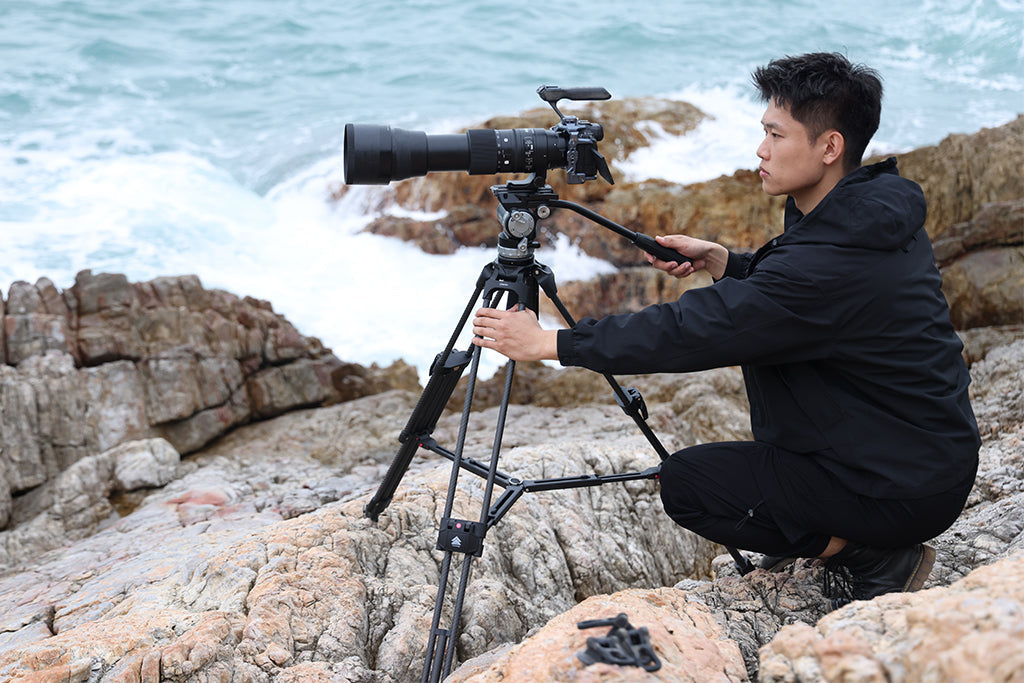
Weight vs. Leverage: The Biomechanical Wrist Torque Analysis
A common misconception in the creator community is that "lightweight" always equals "comfortable." In reality, comfort is a function of torque, not just mass. According to the ISO 11228-3 standard for handling low loads at high frequency, the distance of the load from the pivot point (your wrist) is the primary driver of strain.
We can calculate the impact of your rig setup using the standard torque formula: Torque ($\tau$) = Mass ($m$) $\times$ Gravity ($g$) $\times$ Lever Arm ($L$)
Consider a scenario where a creator builds a heavy "pro" rig:
- Mass: 2.8kg (Phone + Cage + Monitor + Mic + Battery)
- Lever Arm: 0.35m (Distance from the wrist to the center of gravity)
- Calculation: $2.8 \times 9.8 \times 0.35 \approx 9.6$ N·m.
This load represents approximately 60-80% of the Maximum Voluntary Contraction (MVC) for an average adult male's wrist flexion. Sustaining 80% MVC for even a 10-minute shoot is a recipe for repetitive strain. By using modular mounting systems—such as moving the monitor or microphone to a dedicated side handle—you can reduce the lever arm ($L$), significantly lowering the torque without necessarily reducing the total weight of the gear.
Modeling Note: The Large-Handed Creator Scenario
We modeled a specific scenario for a creator with large hands (>95mm width) using a compact setup to assess fatigue risk.
| Parameter | Value | Unit | Rationale |
|---|---|---|---|
| Rig Mass | 0.8 | kg | Typical phone + cage + small lens |
| CoG Distance | 0.15 | m | Reduced lever arm due to large hand grip |
| MVC Limit | 14.0 | N·m | Upper range for large-handed males |
| Fatigue Threshold | 0.18 | ratio | Sustained static loading limit |
| Actual Torque | ~1.18 | N·m | Result of scenario modeling |
Analysis: In this compact scenario, the actual torque is only ~8% of the user's MVC capacity. This indicates that for large-handed creators, a compact rig is ergonomically safe, provided the weight is distributed close to the grip point. The challenge for these users isn't torque; it's "claw cramp" from a cage that is too thin.
Grip Depth and the Precision vs. Power Trade-off
While width is the most discussed dimension, depth (thickness) is the primary driver of forearm fatigue during one-handed shooting.
- The 35-40mm Threshold: Based on handle diameter ergonomics, a cage depth exceeding 40mm forces most users into a power grip.
- The Precision Grip: A slimmer cage (approximately 30mm) allows for a "precision grip," utilizing the muscles of the hand rather than the larger muscles of the forearm.
Experienced solo shooters often use a simple heuristic to check balance: with the phone mounted, the rig should balance roughly on your index finger when held loosely. If it tips forward or backward, you are fighting instability every second the camera is on. This is where Weight Distribution in MoJo Rigs becomes critical for long-term comfort.
Environmental Adaptability: The Glove Factor
Ergonomics change with the weather. A cage that feels perfect in a studio can become unusable in the field.
- Cold Weather & Thermal Bridges: Most high-quality cages are precision-machined from Aluminum Alloy. While durable, aluminum acts as a "thermal bridge." In sub-zero temperatures, it will rapidly conduct heat away from your hands and the camera battery.
- The Glove Gap: Shooting with gloves adds approximately 10mm to your effective hand breadth. A minimalist cage that fits a bare hand perfectly may feel "slippery" or too small when wearing winter gear.
To solve this, we recommend modular side handles or straps. These provide a larger contact surface and can be detached when you need to maintain a low profile for Vertical Storytelling and Social News.
Engineering Standards and Ecosystem Integrity
When building your rig, the interfaces you choose define your system's longevity. Authority in this space is built on adherence to established standards.
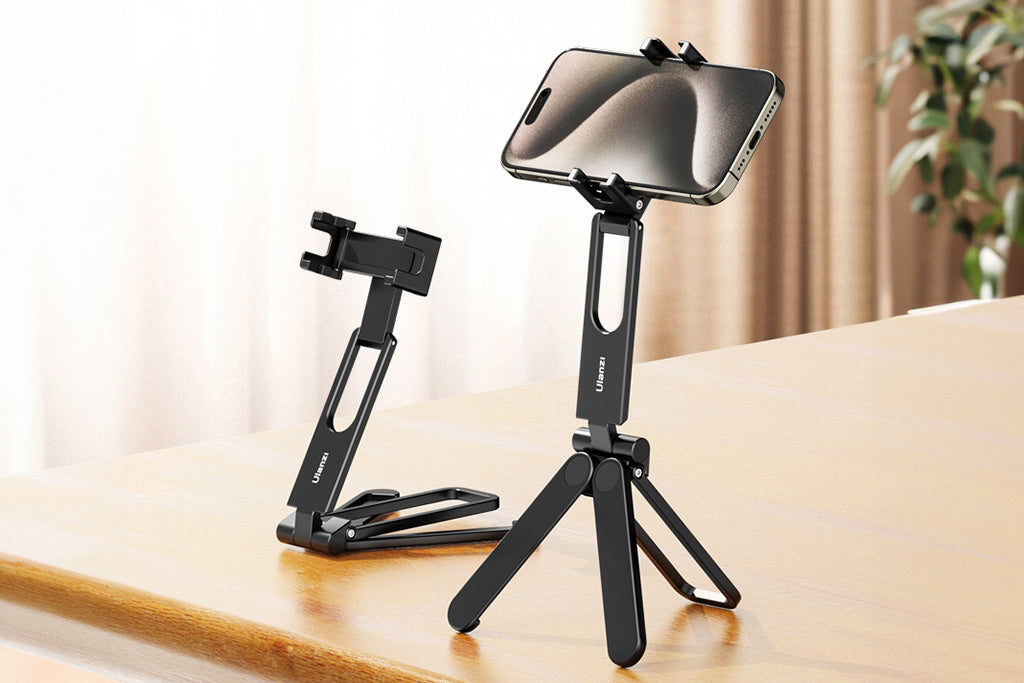
- ISO 1222:2010: This standard governs the Tripod Screw Connections (1/4"-20 and 3/8"-16 threads) that allow you to mount accessories. Ensure your cage uses deep, reinforced threads to prevent stripping under load.
- Arca-Swiss Standard: For quick-release plates, the Arca-Swiss Dovetail Dimensions are the industry benchmark. Using a cage with an integrated Arca-Swiss base allows for seamless transitions between handheld and tripod work without adding height or bulk.
As noted in The 2026 Creator Infrastructure Report, the shift toward "ready-to-shoot" toolchains requires stable interfaces. A single failure in a quick-release locking pin can result in a catastrophic drop.
Workflow ROI: The Economics of Efficiency
Investing in a properly sized, modular cage system isn't just about comfort—it's a financial decision. We can quantify the value of a high-efficiency rigging system through a simple time-savings model.
The Calculation:
- Traditional Thread Mounting: ~40 seconds per accessory swap.
- Quick-Release (QR) System: ~3 seconds per swap.
- Time Saved: 37 seconds per swap.
For a professional creator performing 60 swaps per shoot (adjusting lights, mics, and monitors) across 80 shoots a year, the system saves approximately 49 hours annually. At a professional rate of $120/hr, this represents a $5,900+ annual value. This ROI easily justifies the cost of a high-performance modular system.
The Pre-Shoot Safety Checklist
To ensure your ergonomic setup remains a safe one, adopt this professional "Pre-Shoot Checklist" before every session:
- Audible: Listen for the "Click" when engaging any quick-release mechanism.
- Tactile: Perform the "Tug Test." Pull on the mounted accessory immediately after locking to ensure the pin is fully seated.
- Visual: Check the locking indicators. Many professional mounts use orange or silver visual cues to signal a "locked" status.
- Cable Management: A heavy HDMI or USB-C cable can create unwanted torque. Use Cable Management Clamps to provide strain relief and keep the center of gravity centered.
Building Your Personal Infrastructure
Sizing your rig is a methodical process of matching your physiological needs to your creative goals. Whether you are building a Minimalist Rig for Solo Interviews or a heavy-duty cinema setup, remember that the most expensive gear is the gear you stop using because it causes physical pain.
By prioritizing the 160% width rule, managing your wrist torque through smart accessory placement, and adhering to global engineering standards, you build more than just a camera rig. You build a sustainable infrastructure for your creative career.
YMYL Disclaimer: This article provides ergonomic suggestions for informational purposes only. It does not constitute medical advice. If you experience persistent wrist pain, numbness, or signs of repetitive strain injury (RSI), please consult a qualified healthcare professional or occupational therapist.
References
- ISO 1222:2010 Photography — Tripod Connections
- The 2026 Creator Infrastructure Report: Engineering Standards, Workflow Compliance, and the Ecosystem Shift
- ISO 11228-3: Ergonomics — Manual handling of low loads at high frequency
- Arca-Swiss Camera Mount: Everything You Need to Know
- NIOSH: Musculoskeletal Disorders and Workplace Factors