



- Order Now


Ulanzi D200X Creative Deck
US Estimated Shipping Date: June 20, 2026
Pre-order discount: $15 Off
Discount Code: D200X
Couldn't load pickup availability
- 1. Creative Innovation: 14 customizable LCD keys and 3 tactile encoder knobs.
- 2. Desktop Minimalism: The Ultimate 8-in-1 Hub.
- 3. Infinite Possibilities: Versatile performance for 4K video editing, multi-cam streaming, or smart home automation.
- 4. Tactile Precision: Assign the three tactile knobs to your most critical adjustments.
- 5. Ecosystem Integration: Direct control for Ulanzi lighting, Philips Hue, and Nanoleaf to transform your room's ambiance with one tap.
Enjoy 2% OFFEvery Purchase Join for Free,Save for Life


What Creators Say
Built for Every Workflow
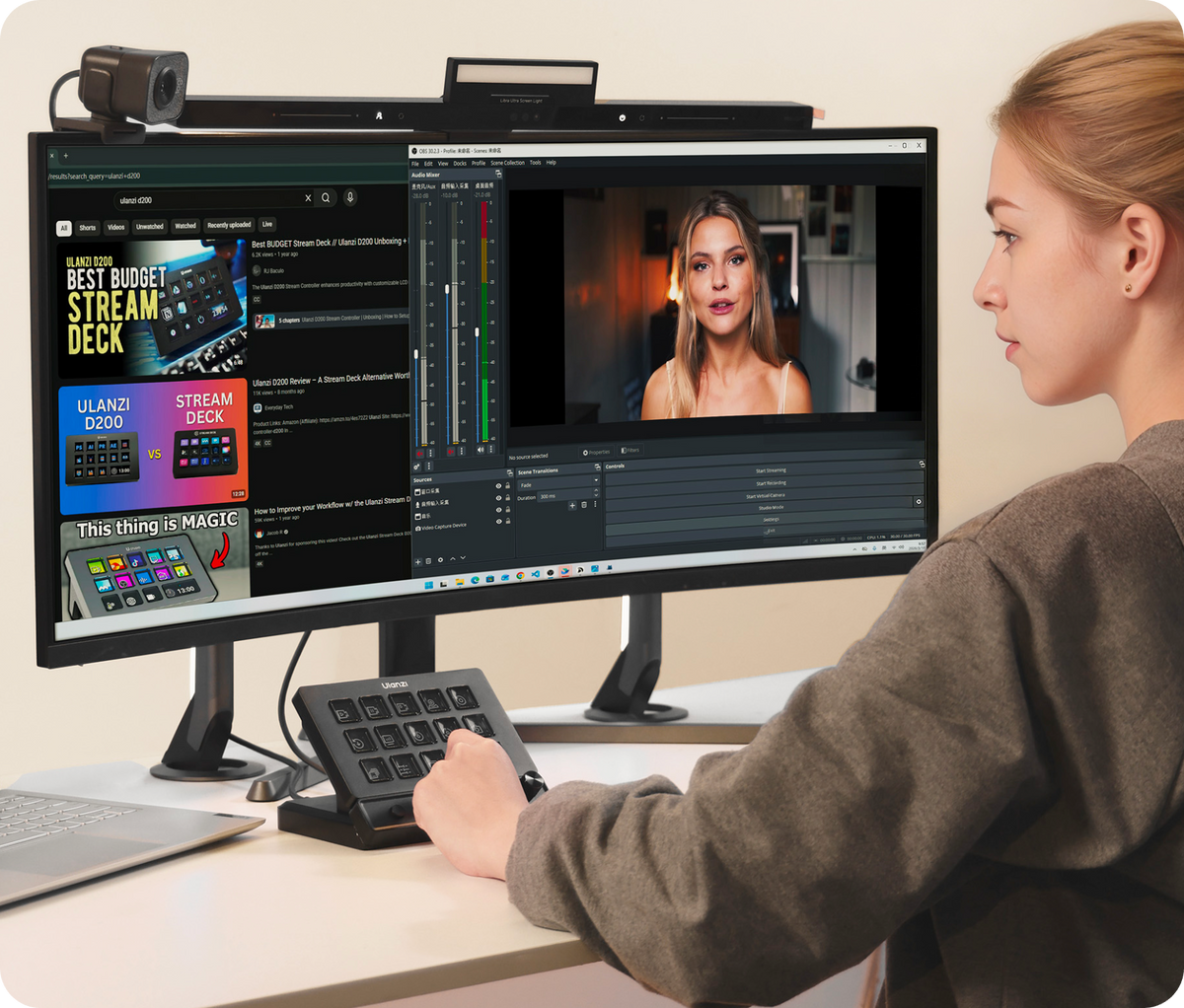
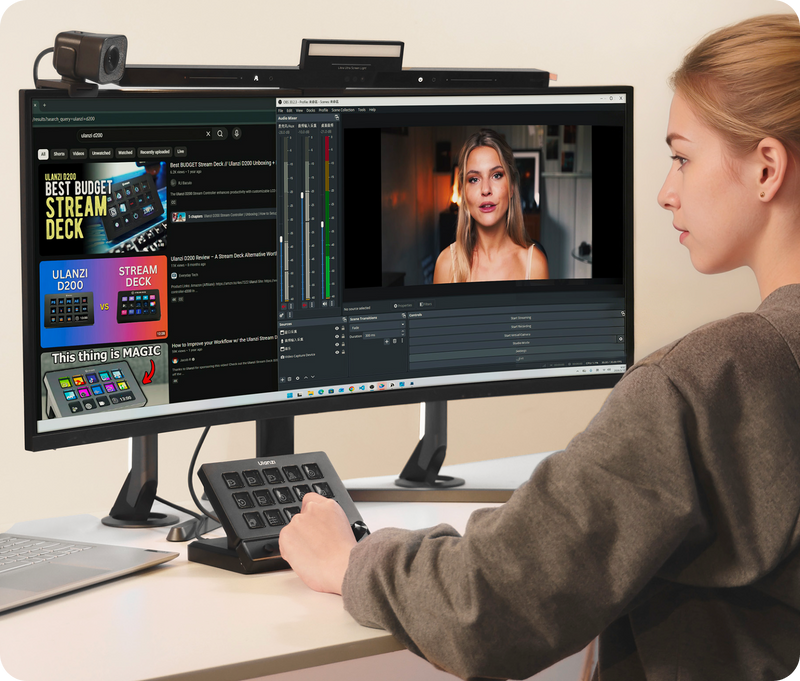
Whether you're editing, streaming, gaming or photo editing, D200X adapts to your needs.
Editing
Scrub through timelines, adjust color grades, and switch tools instantly.
Streaming
Gaming
Trigger macros, adjust game volume, and chat without alt-tabbing.
Photo Editing
Smart Home Assistant
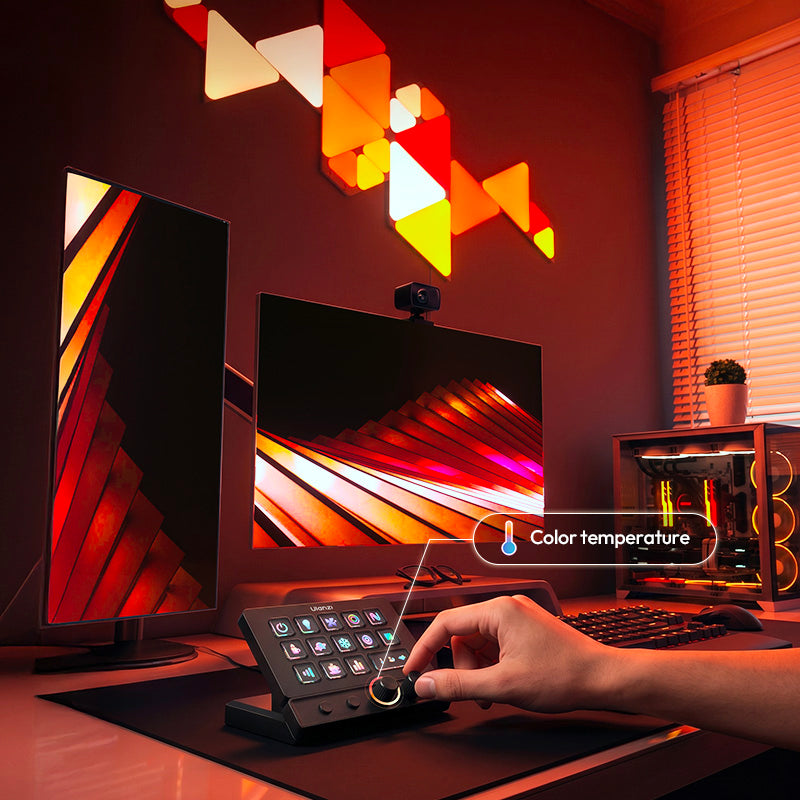
Switching scenes with LCD keys, fine-tune brightness, color temperature, and lighting effects using precision knobs.

Creative Innovation: Master Your Workflow
Stop memorizing complex shortcuts.
With 14 customizable LCD keys and 3 tactile encoder knobs, your most frequent actions—editing, streaming, and color grading—are now just a single touch or a precise turn away.
Instant Access, Zero Friction. Every adjustment is tactile, visual, and pinpoint accurate.

Desktop Minimalism: The Ultimate 8-in-1 Hub
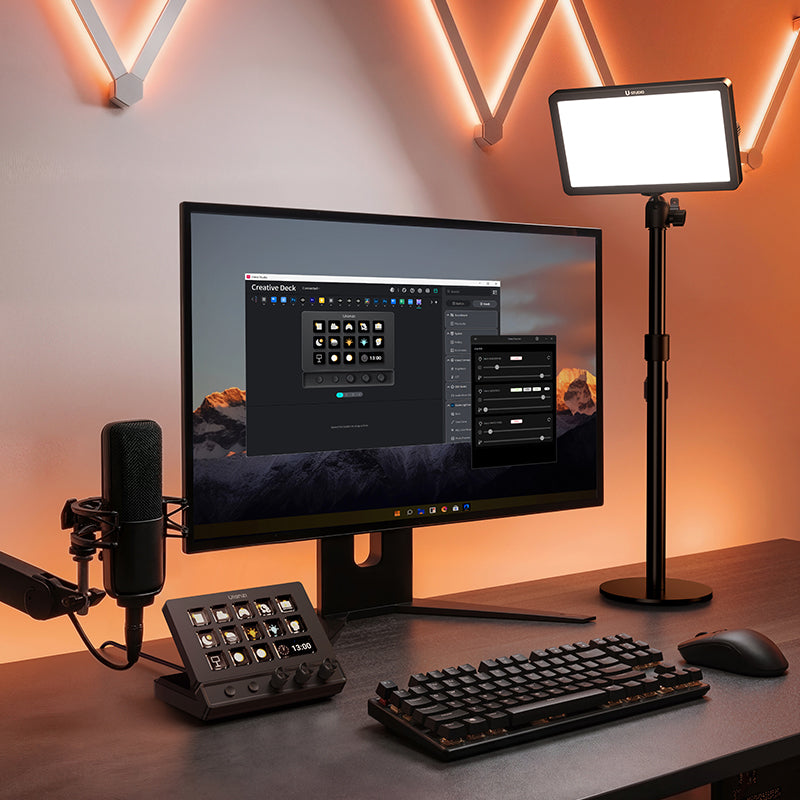
Declutter your desk without sacrificing power.
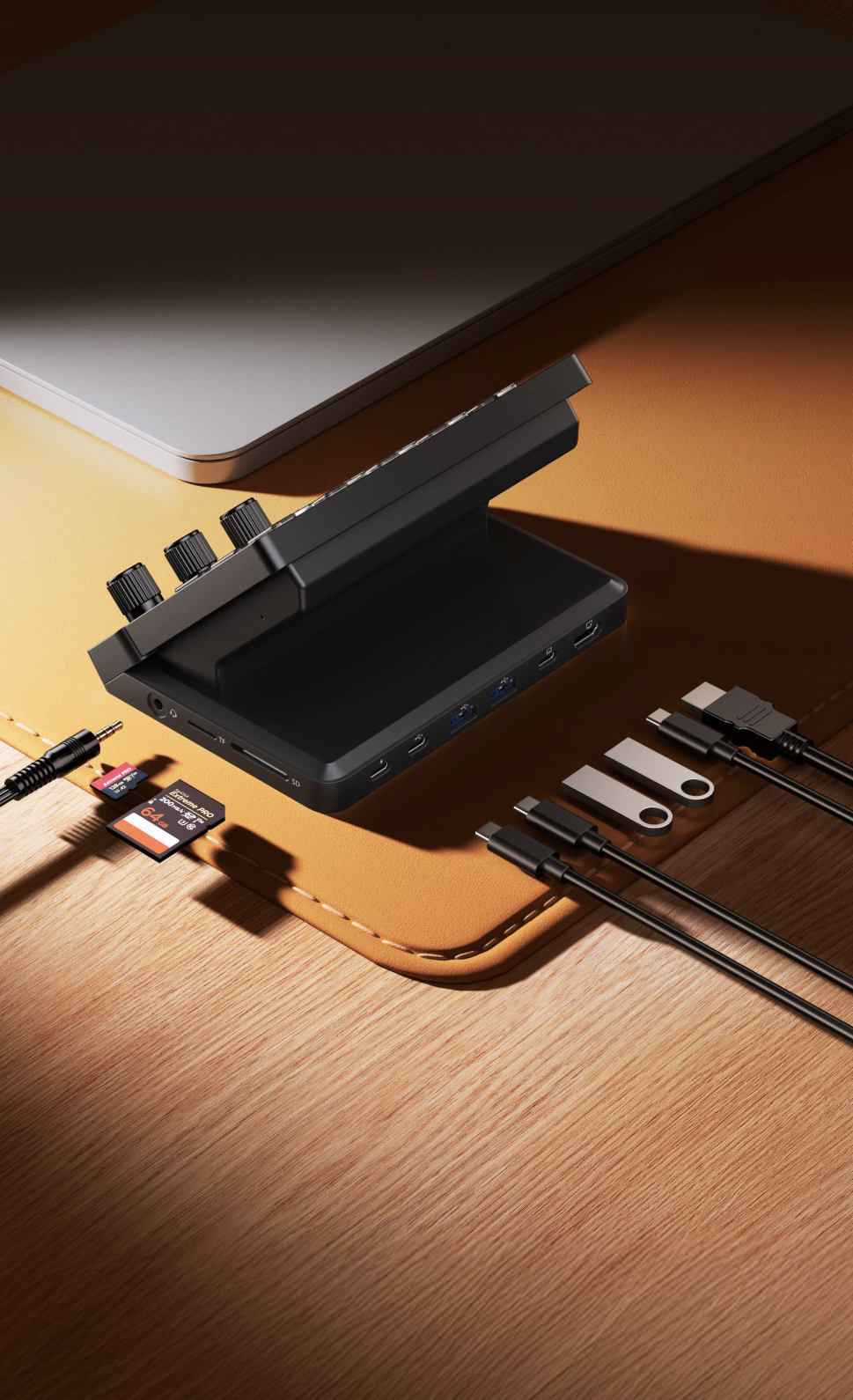
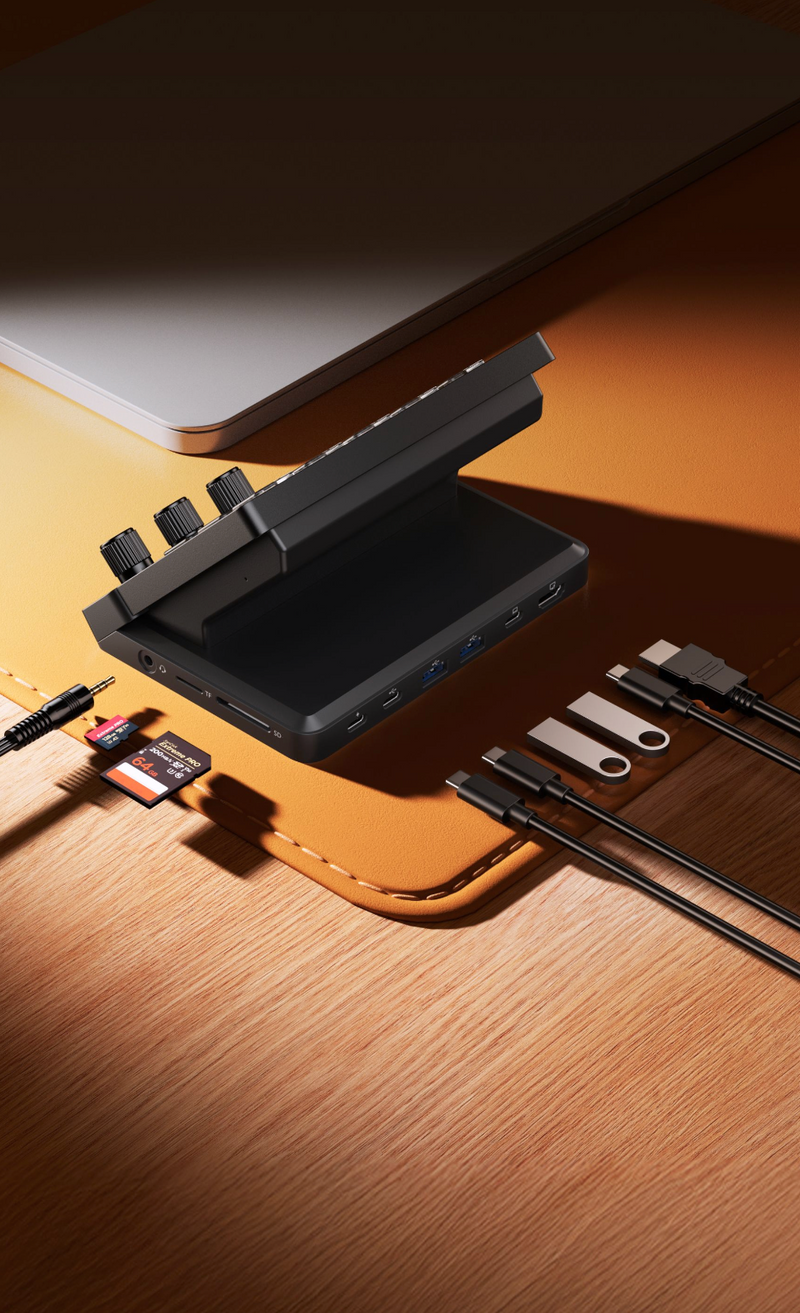
This integrated 8-in-1 docking station replaces three separate adapters, combining a 4K@60Hz HDMI port, SD/TF card readers, and PD 100W fast charging into one sleek command center.
Simplify Your Setup with D200X now.
*System Compatibility
Windows: Windows 10 or later
macOS: macOS Monterey 12.0 or later

One Deck. Infinite Possibilities.
Whether you are cutting a 4K timeline, managing a 3-camera live stream, or automating your smart home, the D200X adapts to you.
The Swiss Army Knife for Pros. Seamlessly switch between Pro Editing, Pro Streaming, and Pro Gaming setups in seconds.

Seamless Ecosystem Integration
One unified control system connects your entire lighting setup, letting you switch scenes instantly with LCD keys and fine-tune brightness, color temperature, and lighting effects using precision knobs.
Seamlessly control K6500, Ulanzi professional lighting systems, and Philips Hue smart series lights remotely using the Ulanzi Connect app.
Compatible with: K6500, VL-200Bi, VL-120C, VL-120Bi, EC65, AL60, AL120, and other Ulanzi lighting systems; Philips Hue smart lights (Bluetooth control required); Nanoleaf; Govee.
*Package includes D200X only; other devices sold separately.

Presets & Plugins, Ready to Use
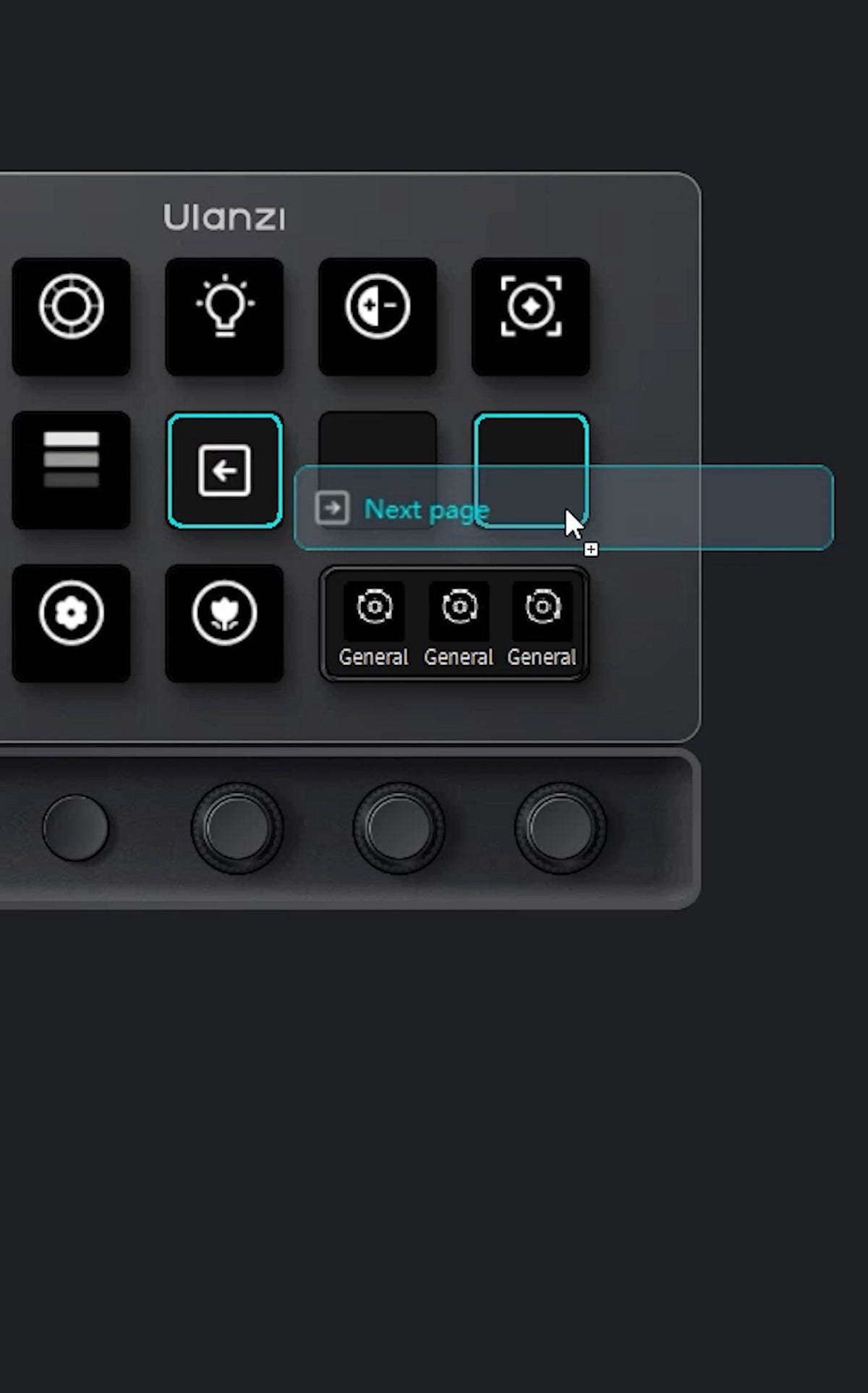
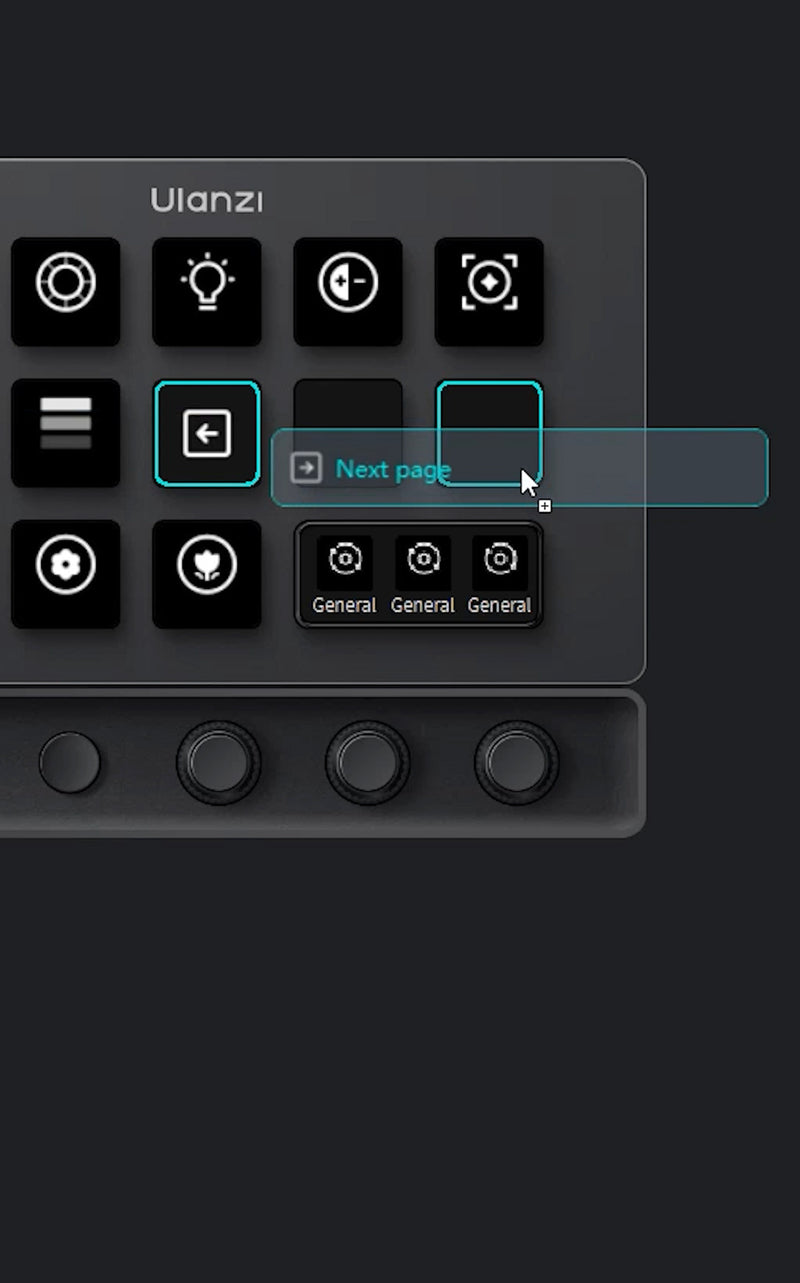
Drag-and-drop plugins instantly. Customizable presets follow your workflow, making macro automation simple and fast.
*System Compatibility
Windows: Windows 10 or later
macOS: macOS Monterey 12.0 or later


D200X Deck x Nanoleaf Light
One-click Power Control
Quickly turn one or multiple Nanoleaf lights on or off, with support for toggle, on-only, and off-only modes.
Brightness Adjustment
Set a fixed brightness with a key, or adjust brightness step by step with a knob for reading, movie nights, nighttime use, and more.
Color Temperature Control
Quickly switch between warm and cool white lighting, with fixed color temperature presets and knob-based step adjustment for work, relaxation, and ambient lighting.
Color Switching
Switch lights to a selected color with one press, making it easy to create a personalized atmosphere.
Scene Control
Activate saved Nanoleaf App scenes such as Reading, Cinema, Relax, or Party; the knob can also cycle through scenes.
Multi-device Sync
One key can control multiple Nanoleaf lights at the same time, ideal for synchronized lighting in living rooms, bedrooms, and workspaces.
Local LAN Control
The plugin connects directly to Nanoleaf devices over the local network, with no Nanoleaf account login or cloud dependency required, resulting in faster response.
Auto Discovery and Pairing
Search for Nanoleaf devices on the local network, pair them once, and then select and control them directly in the plugin.

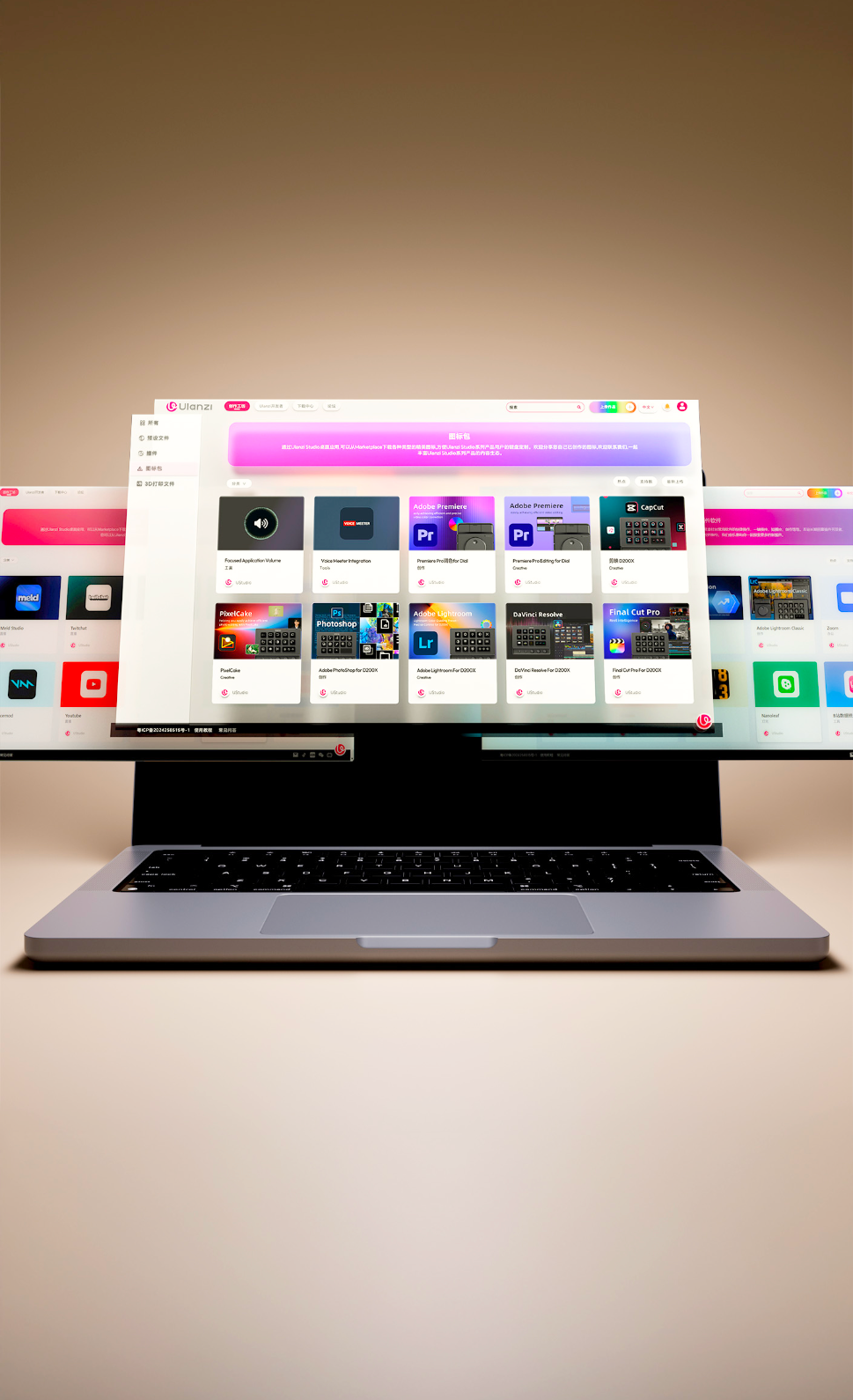
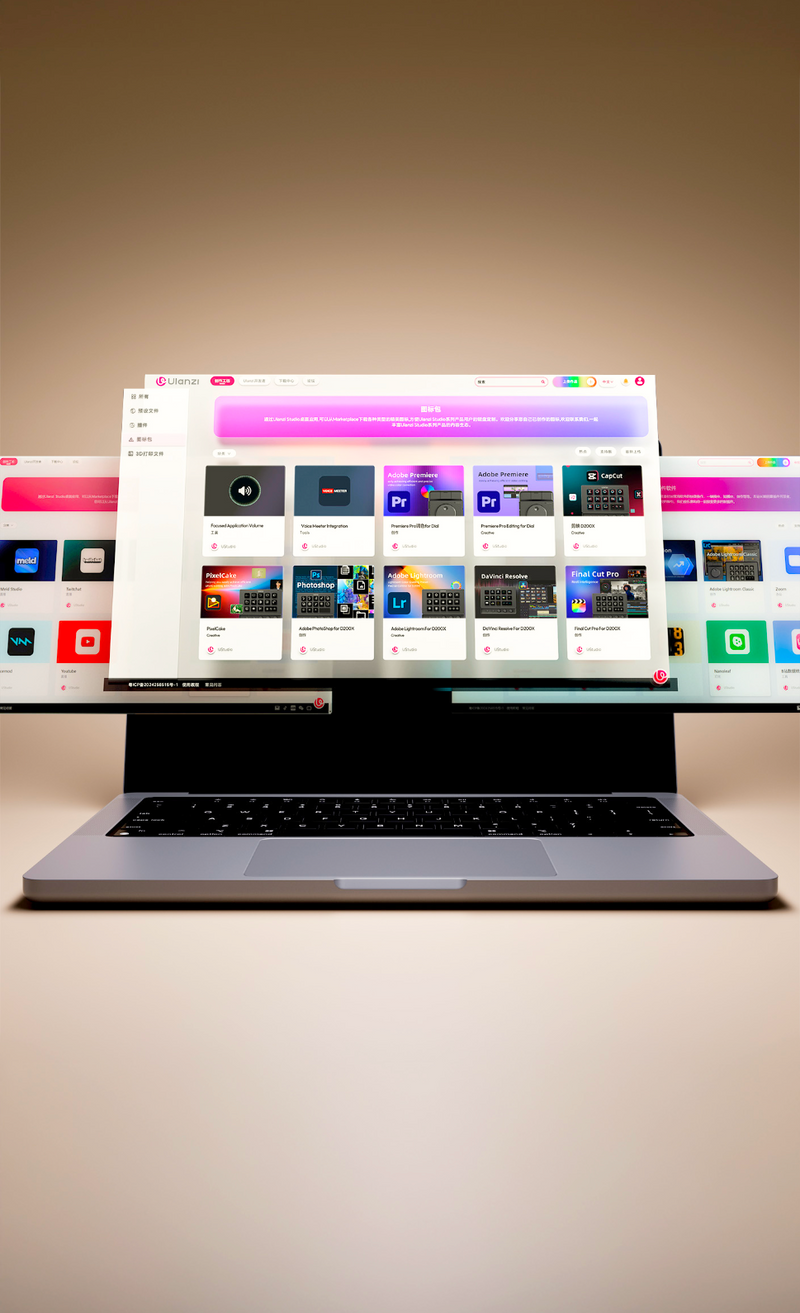
Ulanzi Studio Ecosystem, Free Your Creativity
Access plugins, presets, and companion software instantly. Continuously updated to enhance your content creation and post-production.
Customize Mode
Customize Mode
-

Packaging box *1
-

Writing document
-

AI-powered
-

User Manual*1
-

User Manual*1
-

User Manual*1


Specifications
Brand: Ulanzi
Model: D200X
Materials: ABS + PC, aluminum alloy faceplate, acrylic keys, anti-slip silicone pads
Dimensions: 153 x 113.5 x 98mm / 6.02 x 4.47 x 3.86in
Net Weight: Approx. 480g / 16.93oz
Gross Weight: Approx. 720g / 25.4oz
Power: 10W (Max)
Power Supply: Type-C port (5V/2A); Type-C PD port, supports PD 3.0, up to 100W input

Control Center
Screen: 5.5-inch display, 960 × 540 resolution (RGB layout)
Keys: 14 customizable LCD keys
Knobs: 3 customizable knobs, supports clockwise/counterclockwise rotation and press action
Buttons: 2 customizable buttons
Interfaces
TF Card Slot: Supports TF 3.0
SD Card Slot: Supports SD 3.0
Audio: 3.5mm headphone jack (supports audio output and microphone input)
HDMI: Video output, supports up to 4096×2160 / 60Hz; HDCP 1.4/2.2
Type-C (Host): USB 3.2 Gen 2 (10Gbps)
USB-A (Host): USB 3.2 Gen 2 (10Gbps)
Type-C (Data/Charging): USB 3.2 Gen 2 (10Gbps); supports PD 3.0, up to 85W output (laptop charging supported)
Type-C (PD): Supports PD 3.0, up to 100W input
*The above specifications are based on Ulanzi laboratory testing, provided for reference only. Product specifications are subject to change without prior notice.

Packing List
D200X *1
Data Cable *1
User Manual *1
My Mac is connected to the D200X, but the buttons and knobs are not responding. How do I fix this?
My Windows computer is connected to the D200X, but the computer displays "USB Device Not Recognized". How do I fix this?
What should I do if the screen goes black after connecting the D200X to the computer?
Which software is compatible with the D200X?
How to add desktop shortcuts to Deck buttons?
macOS: Click the bottom bar 【Finder】 - 【Applications】, then drag the application icon from this page.
How to use the configured custom functions on different computers?
Are there any requirements for using custom configurations?
How is this different from an Elgato Stream Deck?
Does it work with macOS and Final Cut Pro, DaVinci Resolve, or Premiere?
What are the 3 rotary encoders for — can I assign them to slider controls in Lightroom or Premiere?
Can I use it as a USB-C dock at the same time as the macro deck?
Can I assign macros and multi-step shortcuts to a single key?
Does it control my Ulanzi lights, Philips Hue, Nanoleaf, or Govee?
Can I pair it with the D100H dial controller?


€0,00
- Choosing a selection results in a full page refresh.